
ERP Implementation Challenges: 10 Problems & Solutions
Navitrends UK · 27 October 2026 · Updated 27/10/2026
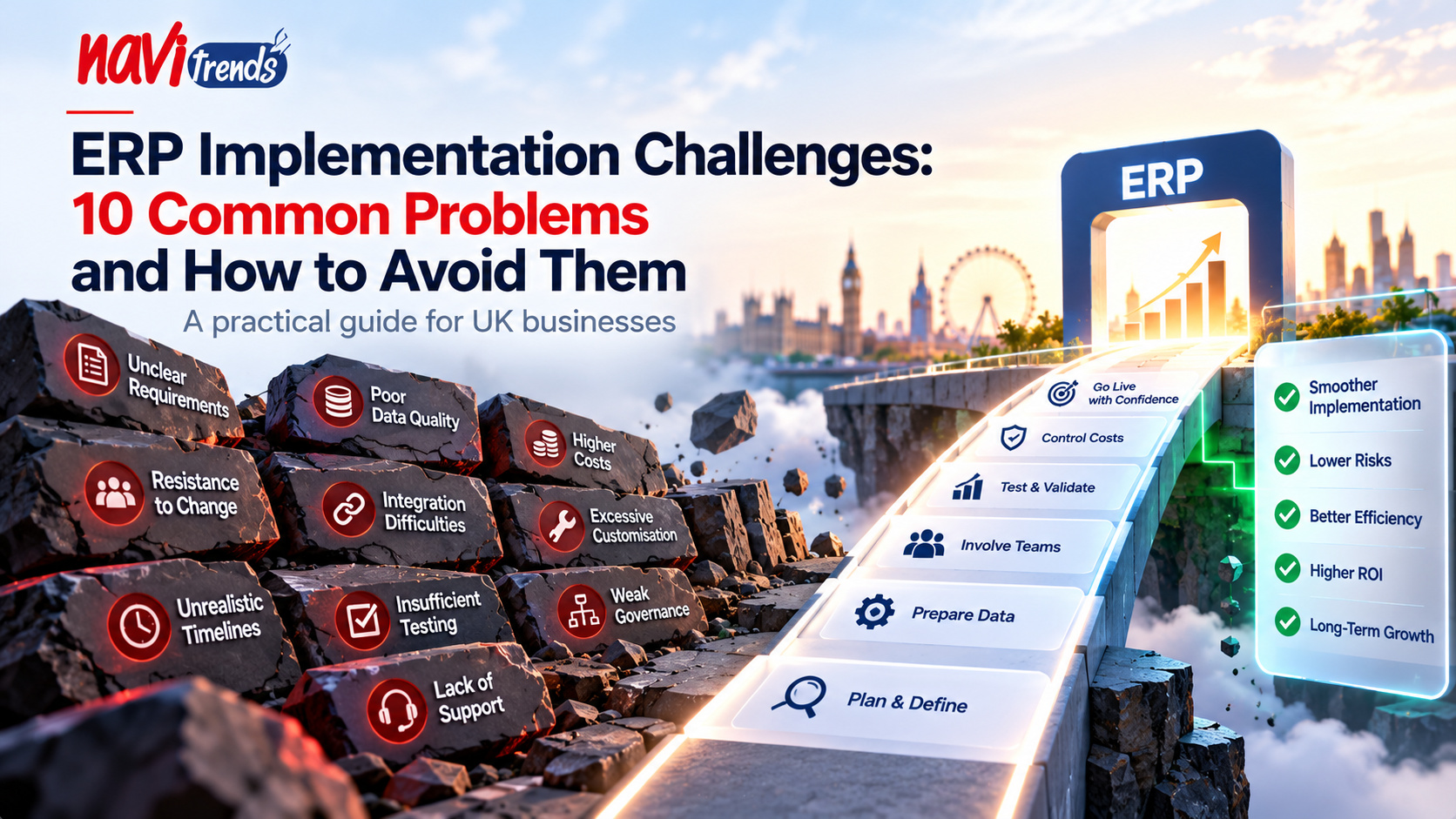
ERP Implementation Challenges: 10 Common Problems and How to Avoid Them
Implementing an Enterprise Resource Planning (ERP) system is an important step for businesses looking to connect their operations, improve visibility and reduce manual processes.
However, ERP implementation is more than a software installation. It involves business processes, data, technology and people.
For UK businesses, common ERP implementation challenges include unclear requirements, inaccurate data, integration difficulties, unexpected costs and employee resistance.
Understanding these risks before a project begins can help organisations make better decisions and prepare for a smoother transition.
In this guide, we explore ten common ERP implementation problems and practical ways to address them.
1. Unclear Business Requirements
One of the biggest ERP implementation challenges is starting a project without clearly defining what the business needs.
Organisations may select software based on features rather than the problems they want to solve.
This can result in unnecessary modules, complicated workflows and disappointing outcomes.
How to Avoid It
Before selecting an ERP platform:
Identify current operational problems.
Document essential business processes.
Define measurable project objectives.
Separate essential requirements from optional features.
Involve representatives from relevant departments.
For example, a distribution business may prioritise inventory accuracy and purchasing integration, while a professional services company may focus on project management and financial reporting.
A clear requirements assessment helps keep implementation focused on business value.
2. Poor Data Quality
ERP systems depend on accurate and consistent information.
If customer records, supplier details, product codes or financial data contain errors, transferring them into a new system can reproduce existing problems.
Duplicate records, inconsistent formats and missing information can affect reporting and operational workflows.
How to Avoid It
Prepare data before migration by:
Removing duplicate records.
Correcting incomplete information.
Standardising product and supplier details.
Defining data ownership.
Validating information before import.
Businesses should also test migrated data against expected results.
For further guidance, read our ERP Data Migration Guide.
3. Underestimating Implementation Costs
ERP project budgets often focus on software licences or subscription fees.
However, the total cost may also include configuration, integration, data migration, training, customisation and ongoing support.
Unexpected requirements can increase project costs if they are not identified early.
How to Avoid It
Create a budget that includes:
Software licensing or subscriptions
Implementation services
Data migration
System integration
Custom development
Employee training
Hosting and infrastructure
Ongoing support and maintenance
Allow an appropriate contingency for unforeseen requirements.
Businesses should also review the long-term total cost of ownership rather than focusing exclusively on initial expenditure.
4. Resistance to Organisational Change
Employees may be comfortable with existing spreadsheets, software and established routines.
Introducing an ERP system can change how information is recorded, shared and approved.
Without sufficient communication, employees may view the new platform as an additional burden rather than an improvement.
How to Avoid It
Successful change management begins before implementation.
Businesses should:
Explain why the ERP project is necessary.
Involve employees in requirements discussions.
Demonstrate how workflows will change.
Provide role-specific training.
Gather feedback during testing.
Offer support after launch.
Employee adoption is essential because even well-configured software depends on consistent day-to-day use.
5. Difficulties Integrating Existing Systems
Many organisations already use specialist applications for e-commerce, accounting, customer management or industry-specific processes.
An ERP implementation may need to connect with these systems.
Integration problems can lead to duplicated information, inconsistent records and manual workarounds.
How to Avoid It
Identify integration requirements early.
For each connected system, determine:
Which information must be exchanged?
Which application owns each data record?
How frequently should data be synchronised?
What happens when an integration fails?
Who is responsible for monitoring the connection?
A structured integration plan can reduce operational disruption.
Explore our guide to ERP Integration with Business Systems.
6. Excessive ERP Customisation
Businesses sometimes attempt to reproduce every existing process within their new ERP system.
This can result in extensive custom development, additional maintenance and more complex future upgrades.
Customisation may be necessary, but not every legacy workflow should automatically be preserved.
How to Avoid It
Evaluate standard ERP functionality before requesting custom development.
A practical approach is to:
Review the business requirement.
Test the standard ERP workflow.
Consider whether the existing process can be improved.
Configure available functionality where appropriate.
Introduce custom development only when justified.
Read our ERP Customisation Guide for more information.
7. Unrealistic Project Timelines
ERP implementation involves several interconnected activities, including requirements analysis, configuration, data migration, testing and training.
If the schedule does not account for these activities, teams may rush important decisions or overlook problems.
How to Avoid It
Create a realistic implementation plan with clear milestones.
Typical stages include:
Project discovery and requirements
Solution design
Configuration and development
Data preparation and migration
Integration testing
User acceptance testing
Training
Go-live preparation
Post-launch support
The appropriate duration depends on project complexity, business readiness and available resources.
8. Insufficient Testing
An ERP system may appear to function correctly during basic demonstrations but encounter problems when real business scenarios are introduced.
For example, a purchasing workflow might work for a standard order but fail when handling partial deliveries or invoice discrepancies.
How to Avoid It
Testing should cover complete business processes rather than individual screens.
Important scenarios may include:
Creating and approving purchase orders
Receiving goods into inventory
Processing customer orders
Managing returns or corrections
Generating invoices
Checking financial reports
Handling user permissions
Recovering from integration errors
Business users should participate in user acceptance testing before the system goes live.
9. Weak Project Governance
ERP implementation requires coordination between management, operational teams, technical specialists and external partners.
Without clear responsibilities, decisions can be delayed and project priorities may become inconsistent.
How to Avoid It
Define a project governance structure.
Assign responsibilities for:
Business requirements
Technical implementation
Data quality
Testing and validation
Budget monitoring
Change requests
Go-live approval
Regular project reviews can help identify risks and resolve issues before they become more serious.
10. Lack of Post-Implementation Support
ERP implementation does not end when the system goes live.
Employees may encounter new questions, operational requirements may evolve and software updates may require attention.
Without ongoing support, businesses can struggle to maintain the reliability of their ERP environment.
How to Avoid It
Prepare a post-launch support plan that includes:
User assistance
Issue tracking
System monitoring
Backup and recovery procedures
Security updates
Performance reviews
Continuous process improvement
Learn more in our ERP Support and Maintenance Guide.
ERP Implementation Challenges: Summary
Challenge | Recommended Approach |
|---|---|
Unclear requirements | Define business objectives before selecting software |
Poor data quality | Clean and validate records before migration |
Unexpected costs | Budget for the full project lifecycle |
Employee resistance | Communicate changes and provide training |
Integration difficulties | Plan data flows and system responsibilities |
Excessive customisation | Prioritise standard functionality |
Unrealistic timelines | Establish achievable project milestones |
Insufficient testing | Test complete business workflows |
Weak governance | Define ownership and decision-making |
Limited post-launch support | Plan ongoing maintenance and assistance |
How Odoo and ERPNext Can Support ERP Implementation
Selecting a suitable platform is an important part of managing implementation risks.
Two solutions that UK businesses may consider are Odoo and ERPNext.
Odoo ERP
Odoo offers modular business applications covering accounting, sales, inventory, purchasing, manufacturing and other operational functions.
Its modular approach can support phased implementation, allowing businesses to introduce relevant applications according to their priorities.
However, organisations should carefully assess edition-specific functionality, integration requirements and customisation needs.
Explore NaviTrends Odoo solutions.
ERPNext
ERPNext is an open-source ERP platform providing integrated functionality for accounting, buying, selling, stock, manufacturing and project management.
It can offer flexibility for organisations seeking a configurable ERP environment.
Businesses should still evaluate hosting, support, data migration and implementation resources.
Discover NaviTrends ERPNext services.
Neither platform automatically eliminates implementation challenges. Project planning, reliable data and employee adoption remain essential.
ERP Implementation Best Practices for UK Businesses
Beyond addressing individual challenges, several principles can improve project readiness.
Focus on Business Outcomes
ERP success should be measured against operational objectives, not simply whether the software has been installed.
Start with a Manageable Scope
Prioritise essential processes before introducing more complex functionality.
Involve Employees Early
Business users can identify practical requirements that may otherwise be overlooked.
Maintain Reliable Data
Define responsibilities for keeping customer, supplier, product and financial records accurate.
Monitor Results After Launch
Review system adoption, process performance and user feedback.
Use these findings to identify opportunities for further improvement.
How NaviTrends Can Help
At NaviTrends, we help businesses explore and implement ERP solutions that support connected operations and digital transformation.
Our approach begins with understanding business requirements and identifying the processes that would benefit from improved integration and automation.
Whether an organisation is considering Odoo, ERPNext or a broader ERP implementation, careful planning can help reduce unnecessary complexity.
We focus on practical solutions aligned with business needs, implementation requirements and long-term operational goals.
Frequently Asked Questions
What is the biggest challenge in ERP implementation?
There is no single challenge that affects every project. Common difficulties include unclear requirements, poor data quality, employee adoption and integration complexity.
Why do ERP implementations fail?
ERP projects can encounter serious problems when organisations underestimate planning, change management, data preparation, testing or ongoing support.
How can businesses reduce ERP implementation risks?
Businesses can reduce risks through clear requirements, realistic budgets, structured project governance, thorough testing and employee training.
Is ERP implementation difficult for small businesses?
ERP implementation can be manageable for small businesses when the scope matches their requirements and available resources.
Should businesses customise their ERP software?
Customisation can be appropriate when standard functionality cannot meet a justified business requirement. However, unnecessary customisation can increase complexity and maintenance costs.
How long does ERP implementation take?
Implementation time varies according to project scope, data quality, integrations, customisations and organisational readiness.
Final Thoughts
ERP implementation challenges are common, but many can be addressed through careful preparation and realistic expectations.
Businesses that define clear requirements, prepare accurate data, involve employees and plan ongoing support are better positioned to achieve a successful transition.
For UK organisations considering ERP software, the most effective starting point is understanding the business processes that need improvement.
Planning an ERP implementation?
Explore NaviTrends Odoo services and ERPNext solutions to discover how integrated ERP technology can support your business.