
Best ERP Software for Small and Medium Businesses in the UK
Navitrends UK · 23 October 2026 · Updated 23/10/2026
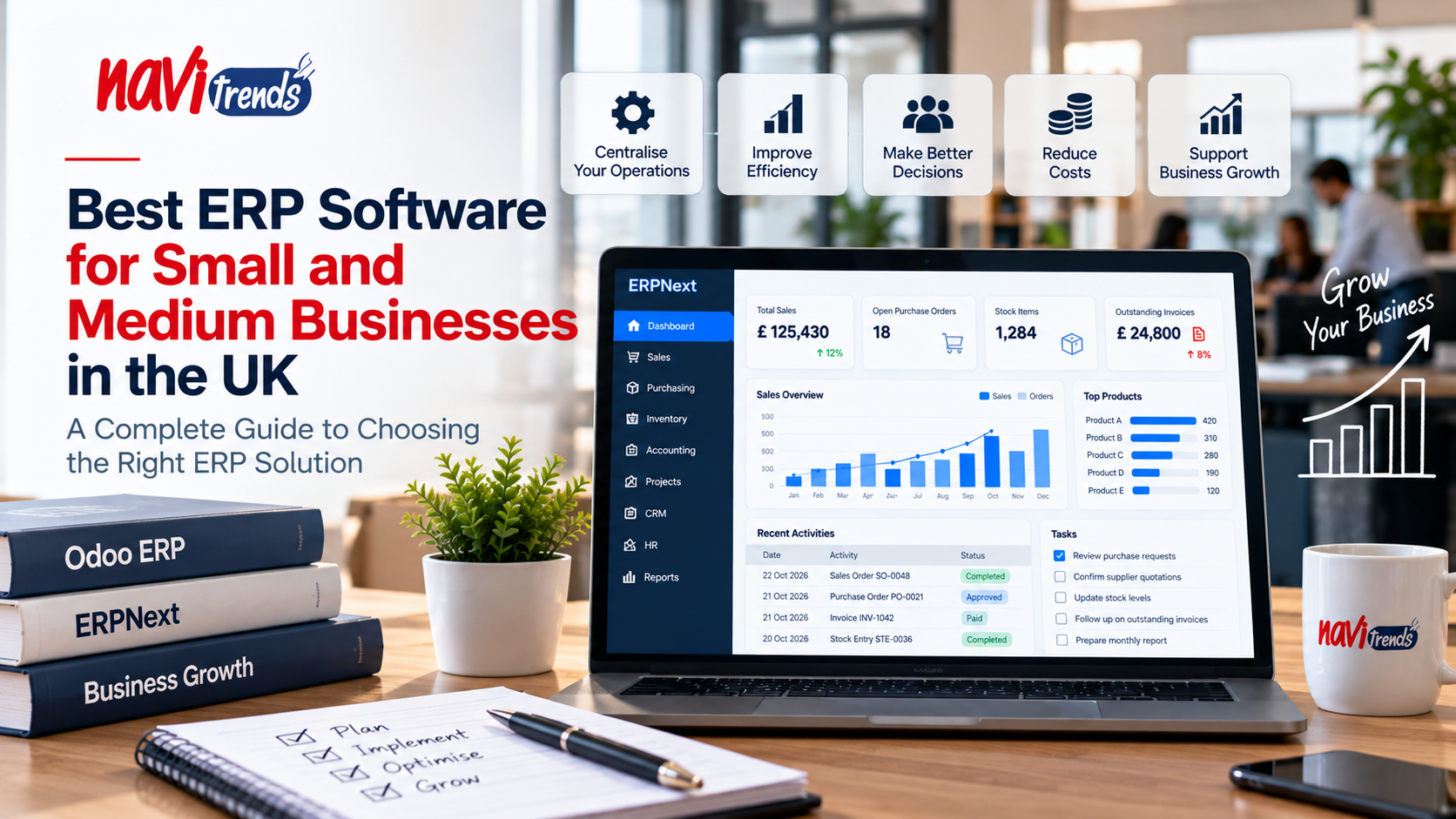
Best ERP Software for Small and Medium Businesses in the UK
Choosing the best ERP software for a small or medium-sized business can be challenging. With so many solutions available, UK businesses need to find a system that fits their operations, budget and long-term growth plans.
As companies expand, managing accounting, inventory, sales, purchasing and customer information through separate applications can become increasingly difficult.
Enterprise Resource Planning (ERP) software brings these processes together, helping businesses improve visibility, reduce repetitive tasks and make better-informed decisions.
In this guide, we explore what SMEs should look for in an ERP system, compare popular solutions and explain how to choose the right platform for your organisation.
What Is ERP Software for Small Businesses?
ERP software is a business management system that connects different departments and processes through a shared platform.
Instead of using separate tools for finance, sales, stock management and purchasing, businesses can manage information through integrated applications.
Depending on the ERP solution, common modules include:
Accounting and financial management
Customer relationship management (CRM)
Sales and order processing
Inventory and warehouse management
Purchasing and supplier management
Manufacturing and production
Project management
Reporting and business analytics
For small and medium-sized businesses, the main objective is not necessarily to implement every available module.
The priority is to select functionality that addresses real operational challenges and supports future growth.
Why Do UK SMEs Need ERP Software?
1. Reduce Manual Administrative Work
Many small businesses rely on spreadsheets and disconnected applications.
Employees may need to enter the same information several times, increasing the risk of errors and wasting valuable time.
ERP systems can connect workflows and reduce repetitive data entry.
2. Improve Business Visibility
When departments use different systems, managers may struggle to access consistent information.
An integrated ERP can provide a clearer overview of sales, purchasing, inventory and financial performance.
3. Support Business Growth
As transaction volumes increase, manual processes become harder to manage.
ERP software can provide a more structured foundation for expanding operations, introducing new departments or managing additional locations.
4. Improve Inventory Management
For businesses handling physical products, accurate stock information is essential.
ERP inventory functionality can help coordinate stock movements, purchasing and sales orders.
Read our ERP Inventory Management Software guide for a closer look at these capabilities.
5. Connect Financial and Operational Processes
Integrating accounting with purchasing, sales and inventory can reduce information gaps between teams.
This helps businesses maintain more consistent records and supports financial reporting.
Best ERP Software Options for UK Small and Medium Businesses
There is no single ERP platform that is best for every organisation.
The most suitable solution depends on business requirements, existing applications, technical resources and implementation costs.
Here are five ERP platforms worth considering.
1. Odoo
Odoo is a modular business management platform offering applications for accounting, CRM, sales, inventory, manufacturing, purchasing and other functions.
Key advantages:
Modular applications
Integrated business workflows
Inventory and purchasing management
CRM and sales functionality
Manufacturing capabilities
Options for extending and customising the system
Odoo may be suitable for businesses looking to introduce integrated processes gradually.
However, implementation complexity and costs depend on the selected edition, applications, integrations and customisations.
Learn more about Odoo ERP solutions from NaviTrends.
2. ERPNext
ERPNext is an open-source ERP platform that includes modules for accounting, selling, buying, stock, manufacturing, projects and other business operations.
Key advantages:
Open-source platform
Integrated accounting and inventory
Purchasing and supplier management
Manufacturing workflows
Project management
Customisation possibilities
ERPNext may appeal to businesses seeking an integrated system with flexibility over deployment and configuration.
Organisations should still consider hosting, support, maintenance, implementation and internal technical requirements.
Explore ERPNext solutions from NaviTrends.
3. Microsoft Dynamics 365 Business Central
Microsoft Dynamics 365 Business Central is a business management solution covering finance, sales, purchasing, inventory and other operational processes.
It may be relevant for SMEs already using Microsoft technologies.
Potential advantages include integration opportunities within the Microsoft ecosystem and access to a broad partner network.
Businesses should assess licensing, implementation requirements and the functionality included in their chosen plan.
4. SAP Business One
SAP Business One is designed for small and medium-sized organisations requiring integrated business management.
It provides capabilities covering finance, purchasing, inventory, sales and reporting.
The platform may suit businesses with structured operational requirements, but implementation scope and partner support should be evaluated carefully.
5. Oracle NetSuite
NetSuite is a cloud-based ERP platform offering financial management and broader business management capabilities.
It may be relevant for growing organisations with more complex reporting, multi-entity or operational requirements.
Businesses should evaluate its total cost, configuration needs and whether its capabilities match their current scale.
ERP Software Comparison for SMEs
ERP Solution | Potential Strength | Key Consideration |
|---|---|---|
Odoo | Modular, integrated applications | Edition, modules and customisation costs |
ERPNext | Open-source and integrated workflows | Hosting, implementation and support |
Business Central | Microsoft ecosystem integration | Licensing and implementation scope |
SAP Business One | Structured SME business management | Partner and deployment requirements |
NetSuite | Cloud ERP for growing organisations | Cost and implementation complexity |
This comparison is intended as a starting point rather than a definitive ranking.
A practical software evaluation should be based on documented requirements and demonstrations using real business scenarios.
How Much Does ERP Software Cost for a Small Business?
ERP costs vary considerably depending on the platform and project scope.
Businesses should consider more than the advertised subscription or licence price.
Typical cost categories include:
Software subscriptions or licences
Implementation and configuration
Data migration
Integrations with existing systems
Custom development
Employee training
Hosting and infrastructure
Ongoing maintenance and support
For example, an organisation introducing basic accounting and sales functionality may have a very different budget from a manufacturer implementing inventory, production planning and financial reporting.
The most reliable approach is to define the required scope and obtain a detailed quotation.
Cloud ERP vs On-Premise ERP
UK businesses should also consider how their ERP system will be deployed.
Cloud ERP
Cloud ERP solutions are hosted on infrastructure managed by a provider or hosting partner.
Depending on the service, businesses may benefit from remote access, managed infrastructure and simplified software updates.
However, subscription costs, data protection arrangements, connectivity requirements and service dependencies should be reviewed.
On-Premise ERP
On-premise ERP is hosted on infrastructure controlled by the organisation.
This can provide greater control over certain technical decisions, but also creates responsibilities for infrastructure, security, backups and maintenance.
The best deployment model depends on business requirements and available resources.
Essential ERP Features for UK SMEs
When evaluating ERP software, businesses should prioritise features that address their everyday challenges.
Accounting and Financial Reporting
Financial processes are central to many ERP implementations.
UK businesses should evaluate whether the chosen solution supports their accounting workflows, VAT requirements and relevant HMRC obligations, including Making Tax Digital where applicable.
Compliance capabilities should be verified for the specific software version and configuration.
Inventory and Purchasing
Businesses managing physical goods may need stock tracking, warehouse records, supplier orders and replenishment workflows.
Sales and CRM
Integrated sales and customer management can help employees coordinate quotations, orders and customer information.
Reporting and Analytics
Reliable operational reporting can help managers monitor business performance and identify areas requiring attention.
Integration Capabilities
ERP software should work with essential existing applications, such as e-commerce platforms, payment services or specialist industry systems.
How to Choose the Right ERP Software
Selecting an ERP system should begin with business requirements, not a list of software brands.
Step 1: Identify Current Problems
Document the main operational challenges.
These might include inaccurate inventory, repeated data entry, limited financial visibility or disconnected departments.
Step 2: Define Essential Requirements
Separate essential functionality from features that can be introduced later.
This helps avoid unnecessary implementation complexity.
Step 3: Compare Suitable Platforms
Shortlist ERP solutions that support the organisation's requirements.
Evaluate demonstrations using realistic business workflows.
Step 4: Review Total Cost of Ownership
Include implementation, training, support, hosting, integrations and future changes.
Step 5: Plan Data Migration
Review the quality of existing customer, supplier, product and financial records before transferring them.
Step 6: Prepare Employees
Provide practical training and clearly communicate how business processes will change.
Step 7: Evaluate Post-Launch Support
Consider how the system will be maintained, updated and improved after implementation.
Common ERP Implementation Mistakes to Avoid
ERP projects can become difficult when organisations underestimate the work required.
Common mistakes include:
Selecting software before defining requirements
Introducing too many modules at once
Migrating inaccurate or incomplete data
Underestimating employee training
Adding unnecessary customisations
Ignoring integration requirements
Failing to plan ongoing support
A phased implementation can help businesses manage complexity, although the appropriate approach depends on the project.
Odoo vs ERPNext: Which Is Better for a Small Business?
Odoo and ERPNext can both support integrated business management, but they differ in their ecosystems, licensing models and implementation approaches.
Odoo may appeal to businesses looking for a broad modular application ecosystem.
ERPNext may appeal to organisations interested in an open-source ERP platform with integrated core functionality.
Neither platform is automatically the better choice.
The decision should consider:
Required business processes
Budget and ongoing costs
Hosting preferences
Integration requirements
Customisation needs
Available technical support
Long-term maintenance
A demonstration using actual business requirements is more valuable than selecting a platform based only on general feature comparisons.
How NaviTrends Helps UK Businesses Choose ERP Software
At NaviTrends, we help organisations explore ERP solutions that connect their business processes and support digital transformation.
Our work focuses on understanding operational requirements and identifying suitable approaches to implementation, integration and process improvement.
For businesses evaluating Odoo or ERPNext, the first step is understanding which problems the ERP system needs to solve.
We believe successful ERP adoption depends on choosing appropriate functionality, preparing reliable data and helping employees work effectively with the new system.
Explore our Odoo ERP services and ERPNext solutions.
Frequently Asked Questions
What is the best ERP software for a small business in the UK?
The best ERP depends on the organisation's requirements, budget, industry and existing systems. Odoo, ERPNext, Business Central, SAP Business One and NetSuite are among the platforms worth evaluating.
Is ERP software suitable for small businesses?
Yes. ERP software can be suitable for small businesses when it addresses genuine operational needs and the implementation scope is proportionate to the organisation's resources.
Is ERPNext free?
ERPNext is open-source software, but running it in a business environment can involve hosting, implementation, maintenance and support costs.
Is Odoo suitable for UK businesses?
Odoo can support UK business operations, but organisations should verify relevant localisation, accounting, tax and regulatory requirements for their chosen edition and configuration.
How long does ERP implementation take?
Implementation time depends on the number of modules, data quality, integrations, customisations and organisational readiness. There is no reliable universal timeframe.
Can an ERP system replace spreadsheets?
ERP software can replace many spreadsheet-based operational processes, although spreadsheets may remain useful for certain analyses and ad hoc tasks.
Final Thoughts
Choosing the best ERP software for a small or medium-sized business is an important operational decision.
The right system should address existing challenges, connect relevant departments and provide a practical foundation for growth.
Rather than choosing the platform with the longest feature list, UK businesses should focus on operational fit, implementation resources and long-term support.
Looking for an ERP solution that fits your business?
Discover NaviTrends Odoo services and ERPNext solutions to explore your options.