
ERP Inventory Management Software: A Practical Guide for UK Businesses
Navitrends UK · 22 October 2026 · Updated 22/10/2026
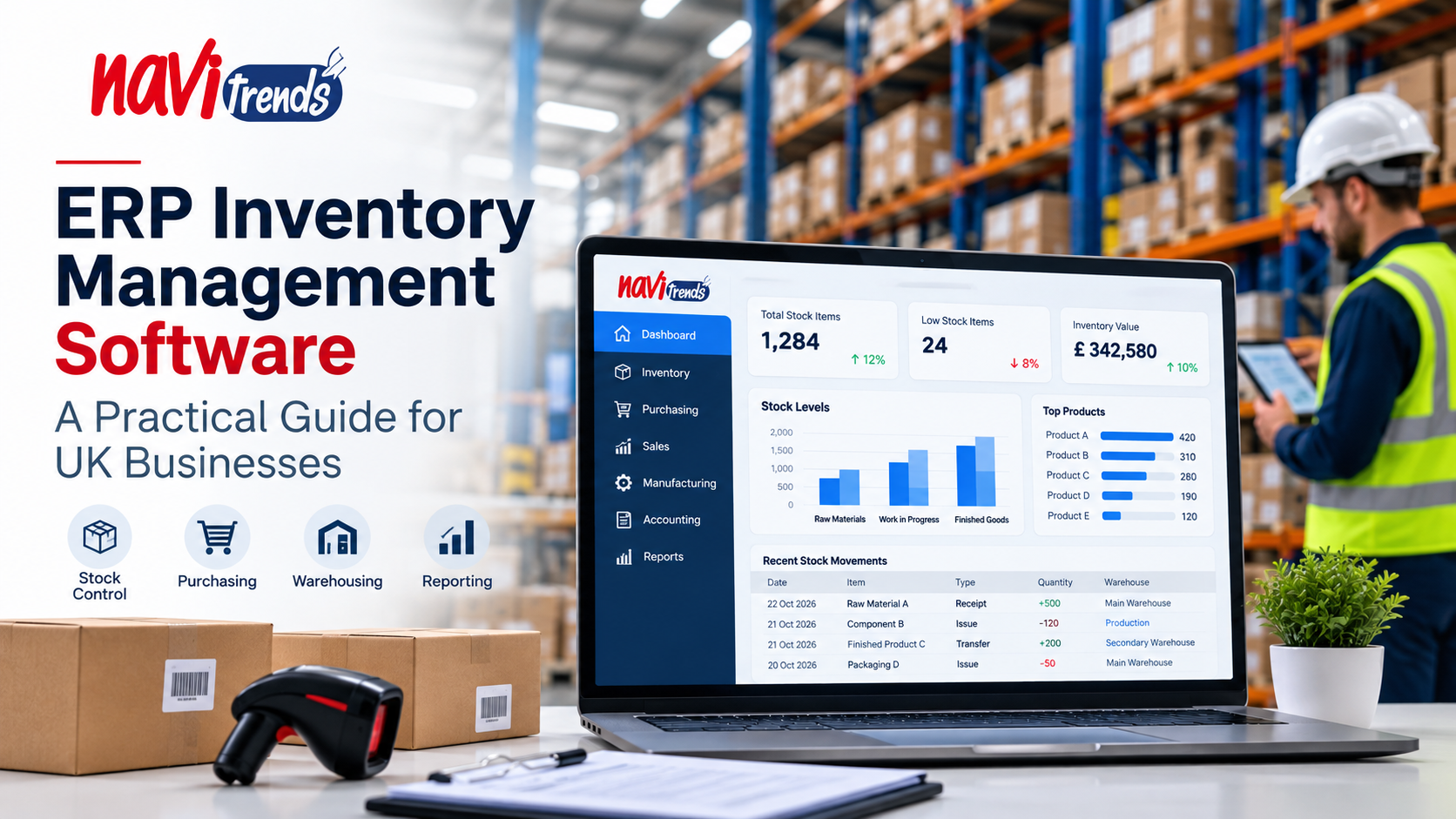
ERP Inventory Management Software: A Practical Guide for UK Businesses
Managing inventory is one of the most important operational challenges for growing businesses. Too much stock ties up working capital, while insufficient stock can delay customer orders, disrupt production and damage customer relationships.
For UK companies managing purchasing, warehousing, sales and finance across different systems, maintaining accurate inventory information can become increasingly difficult.
ERP inventory management software helps businesses connect these activities within a shared system, providing better visibility and more reliable information for everyday decisions.
In this guide, we explore how ERP inventory management works, the problems it can solve and what UK businesses should consider before implementing a solution.
What Is ERP Inventory Management Software?
ERP inventory management software is part of an Enterprise Resource Planning system that helps organisations monitor and manage stock alongside other business operations.
Unlike a standalone stock-tracking application, an ERP system can connect inventory information with:
Purchasing and supplier management
Sales orders and customer records
Warehouse operations
Manufacturing and production
Accounting and financial reporting
Business analytics and operational planning
When these functions share consistent information, teams can make decisions without repeatedly transferring data between spreadsheets or disconnected applications.
For example, when a sales order is confirmed, an integrated ERP system can update stock availability, support order fulfilment and provide relevant information to purchasing and finance teams.
The exact workflow depends on the ERP platform and its configuration.
Common Inventory Management Challenges for UK Businesses
1. Inaccurate Stock Information
Businesses relying on manual updates may struggle to maintain accurate stock records.
Differences between recorded quantities and physical stock can lead to incorrect purchasing decisions, delayed deliveries and additional administrative work.
An ERP system can help improve accuracy through structured stock movements, controlled processes and regular reconciliation.
2. Overstocking and Stock Shortages
Without reliable visibility, businesses may purchase more inventory than necessary or discover shortages too late.
ERP inventory tools can support reorder rules, stock alerts and purchasing decisions based on available operational data.
These capabilities help teams manage stock levels more consistently, although effective forecasting still depends on data quality and business processes.
3. Disconnected Warehouses and Departments
Companies operating across several warehouses or locations may find it difficult to maintain a consistent view of available stock.
An integrated ERP can support stock transfers, location-level tracking and shared information across departments.
This is particularly useful when purchasing, sales and warehouse teams need to coordinate frequently.
4. Limited Inventory Reporting
Spreadsheets may provide useful basic reporting, but they can become difficult to maintain as transaction volumes increase.
ERP systems can support reports on stock valuation, inventory turnover, product movement and operational performance.
The availability of specific reports depends on the selected software and implementation.
Key Features to Look for in an ERP Inventory System
Not every business needs the same inventory functionality. However, several capabilities are worth evaluating.
Real-Time Stock Visibility
A centralised system can help authorised employees access updated stock information across relevant locations.
This reduces reliance on separate records and improves coordination between teams.
Purchase and Replenishment Management
Inventory information can be linked with purchasing workflows, helping teams identify replenishment needs and manage supplier orders.
Warehouse and Location Tracking
Businesses with multiple storage areas may benefit from tracking stock by warehouse, bin or location, depending on the system.
Batch and Serial Number Tracking
For businesses requiring product traceability, batch or serial number functionality can help track specific items throughout their operational lifecycle.
Integration with Accounting
Connecting inventory movements with financial processes can support more consistent stock valuation and reporting.
Reporting and Analytics
Dashboards and operational reports can help managers understand stock movements, identify slow-moving items and review inventory performance.
How ERP Inventory Management Supports Different Industries
Manufacturing
Manufacturers need to coordinate raw materials, components, work in progress and finished goods.
ERP inventory management can help connect material availability with purchasing and production planning.
This may reduce manual coordination between warehouse and production teams.
Wholesale and Distribution
Wholesalers often manage large product catalogues, frequent stock movements and multiple customer orders.
An ERP system can connect inventory records with sales and purchasing processes, helping teams manage availability and fulfilment.
Retail and E-commerce
Businesses selling through several channels may need to coordinate stock availability between physical locations and online orders.
Depending on available integrations, an ERP can help centralise inventory information and reduce inconsistencies between sales channels.
Construction and Project-Based Businesses
Construction and project-based companies may need to track materials allocated to individual jobs or locations.
ERP inventory functionality can support material purchasing, stock movements and project-related cost visibility when configured appropriately.
ERP Inventory Management vs Standalone Inventory Software
Standalone inventory software may be suitable for businesses with straightforward stock-tracking requirements.
However, as operational complexity increases, organisations may need stronger connections between inventory, purchasing, sales and finance.
Capability | Standalone Inventory Software | Integrated ERP |
|---|---|---|
Basic stock tracking | Commonly available | Commonly available |
Purchasing integration | Varies by product | Often integrated |
Accounting integration | May require connectors | Often part of the platform |
Manufacturing workflows | May be limited | Available in suitable ERP solutions |
Cross-department reporting | Depends on integrations | Can use shared operational data |
Implementation complexity | Often lower | Depends on scope and configuration |
The best choice depends on business size, operational requirements, budget and existing systems.
Choosing the Right ERP Inventory Management Software in the UK
Before selecting a platform, businesses should evaluate their actual operational requirements rather than focusing only on feature lists.
Important questions include:
How many products, warehouses and stock locations need to be managed?
Does the business require batch or serial number tracking?
How should inventory connect with purchasing, sales and accounting?
Are manufacturing, e-commerce or project workflows involved?
Which existing systems need to be integrated?
What level of reporting and automation is required?
Who will maintain product data and inventory processes after implementation?
A structured assessment can help identify which capabilities are essential and which can be introduced later.
Odoo and ERPNext for Inventory Management
Two ERP platforms that UK businesses may consider are Odoo and ERPNext.
Odoo Inventory
Odoo provides inventory and warehouse management capabilities that can work alongside its purchasing, sales, manufacturing and accounting applications.
Depending on the edition, version and configuration, businesses can use features such as warehouse operations, replenishment rules and product traceability.
Learn more about Odoo ERP solutions.
ERPNext Stock Management
ERPNext includes stock management functionality connected with purchasing, selling, manufacturing and accounting processes.
It can support warehouses, stock transactions, item records and related operational workflows.
Explore ERPNext solutions.
Neither platform should be selected solely because it includes inventory features. The right solution depends on operational fit, integration requirements and implementation resources.
Best Practices for Implementing ERP Inventory Management
Successful implementation requires more than installing software.
Review Existing Inventory Processes
Document how products are received, stored, transferred, counted and dispatched.
Identify manual activities, recurring errors and gaps between departments.
Prepare Accurate Product Data
Product codes, units of measure, warehouse information and opening stock balances should be reviewed before migration.
Poor-quality data can undermine the reliability of a new ERP system.
Start with Essential Workflows
Prioritise the inventory processes that deliver the greatest operational value.
More advanced automation can be introduced after core processes are working reliably.
Train Employees
Warehouse, purchasing, sales and finance teams should understand how their actions affect shared inventory records.
Monitor Performance After Launch
Review stock accuracy, order fulfilment, replenishment and user feedback after implementation.
Use these findings to refine processes and system configuration.
How NaviTrends Can Help
At NaviTrends, we help businesses evaluate and implement ERP solutions that connect operational processes and support digital transformation.
For organisations looking to improve inventory management, this may involve reviewing existing workflows, identifying integration requirements, configuring an ERP platform and supporting implementation.
Our approach focuses on understanding business needs before recommending technology.
Whether your organisation is exploring Odoo, ERPNext or broader ERP integration, the starting point is a clear understanding of how your teams manage stock and information today.
Final Thoughts
ERP inventory management software can help UK businesses move away from fragmented stock records towards more connected operational processes.
The greatest value comes from combining suitable technology with accurate data, practical workflows and effective employee adoption.
For businesses facing recurring stock discrepancies, disconnected departments or limited reporting, reviewing inventory management processes is a useful first step towards a more integrated ERP environment.
Looking to improve inventory visibility and connect your business operations?
Explore NaviTrends ERP solutions and discover how an integrated approach could support your business.