
Shopify ERP Integration: A Practical Guide for UK Retailers
Navitrends UK · 2 November 2026 · Updated 02/11/2026
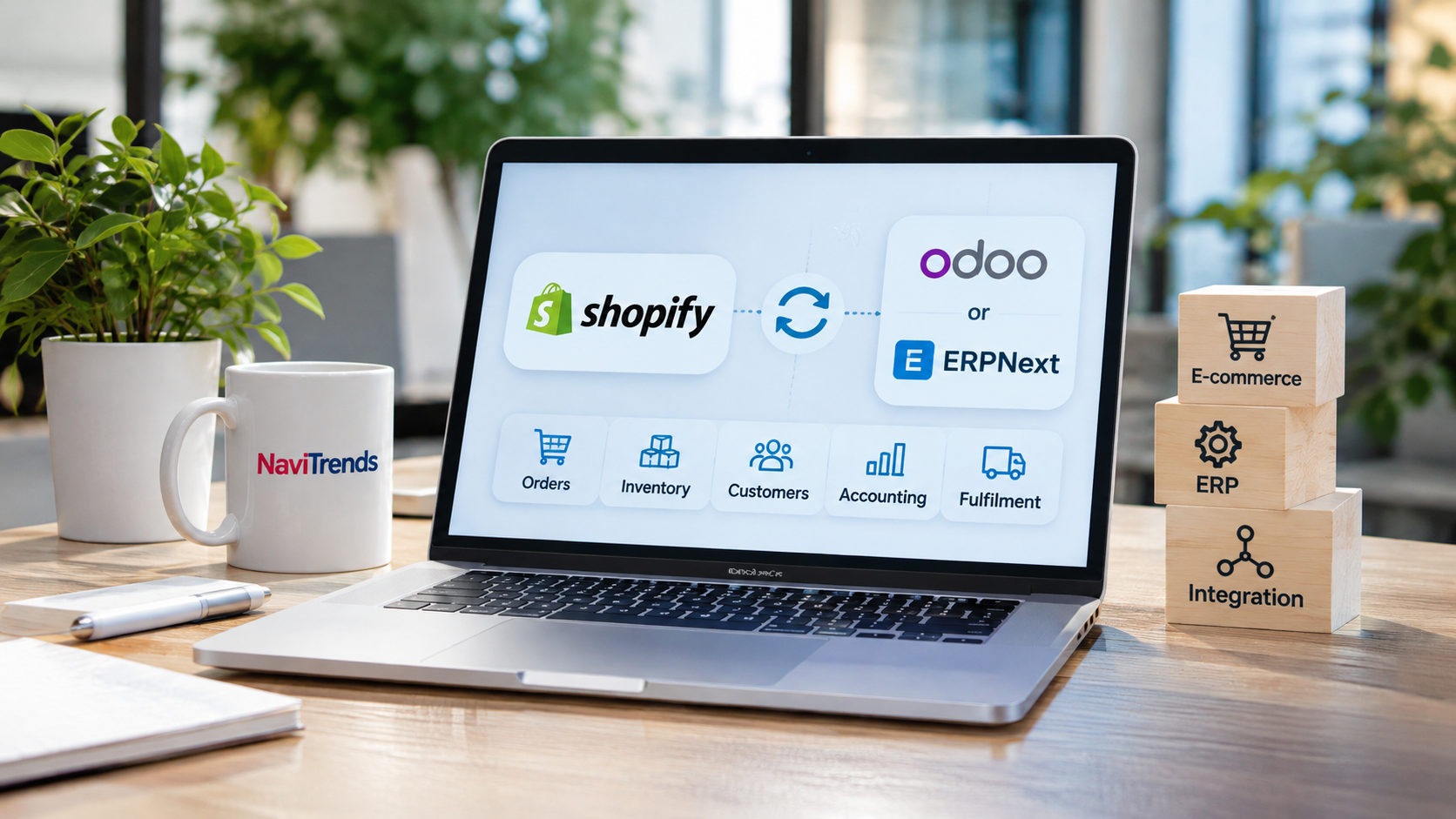
Shopify ERP Integration: A Practical Guide for UK Retailers
Running an online store involves much more than processing customer orders. As sales increase, retailers must coordinate stock levels, suppliers, deliveries, customer information and financial records.
Shopify provides the tools to manage online selling, but growing businesses often need to connect their ecommerce operations with wider business processes.
This is where Shopify ERP integration becomes valuable.
By connecting Shopify with an Enterprise Resource Planning (ERP) system, UK retailers can reduce repetitive administration, improve data consistency and gain better visibility across their operations.
In this guide, we explore how Shopify ERP integration works, what businesses should consider and how platforms such as Odoo and ERPNext can support connected ecommerce operations.
What Is Shopify ERP Integration?
Shopify ERP integration is the process of connecting a Shopify store with an ERP system so that business information can move between the two platforms.
Shopify manages the online shopping experience, while an ERP system can support broader operational activities, including purchasing, inventory management, accounting and reporting.
Instead of manually transferring information between applications, businesses can establish structured data flows.
For example, when a customer places an order through Shopify, the relevant information can be transferred to the ERP system for order processing and stock management.
The exact functionality depends on the integration solution, configuration and ERP platform.
Why Do UK Retailers Need Shopify ERP Integration?
1. Reduce Manual Order Processing
Without integration, employees may need to copy Shopify orders into another system.
As order volumes grow, this becomes increasingly time-consuming.
Connecting Shopify with an ERP can automate the transfer of order details, reducing duplicate entry and helping operations teams process information more consistently.
2. Improve Inventory Accuracy
Managing stock across an online store, physical shop and warehouse can be challenging.
When inventory information is maintained separately, retailers risk displaying outdated stock availability.
Shopify inventory integration can help synchronise stock information between ecommerce and operational systems.
The appropriate synchronisation frequency depends on the connector and business requirements.
3. Connect Ecommerce and Accounting
Online sales generate financial information that needs to be reconciled with payments, refunds, taxes and accounting records.
An ERP integration can support more consistent financial workflows by connecting ecommerce transactions with the relevant back-office processes.
For UK businesses, it is important to verify how the selected integration handles VAT, shipping charges, refunds and accounting requirements.
4. Improve Order Fulfilment
Once an order is placed, several activities may follow: stock allocation, picking, packing, dispatch and delivery updates.
Connecting Shopify with an ERP or warehouse management workflow can improve coordination between online sales and fulfilment operations.
This is particularly useful for retailers handling orders across multiple locations.
5. Support Business Growth
A small online business may initially manage orders and stock using spreadsheets.
However, higher transaction volumes, additional sales channels and more complex purchasing processes can make manual coordination difficult.
An integrated ERP environment can provide a more structured foundation for managing this growth.
What Information Can Be Synchronised?
A Shopify ERP integration may connect several types of business data.
Business data | Integration purpose |
|---|---|
Customer orders | Transfer online orders into operational workflows |
Products and SKUs | Maintain consistent product references |
Inventory | Coordinate stock availability across systems |
Customers | Reduce duplicated customer information |
Fulfilment | Share delivery and order status updates |
Invoices and payments | Support financial processing and reconciliation |
Returns and refunds | Improve coordination between sales and finance |
Not every connector supports every function or synchronisation direction.
Before implementation, businesses should confirm exactly which information needs to move, how frequently it should update and which system should be responsible for each record.
Shopify Odoo Integration: Connecting Ecommerce and Operations
Odoo is a business management platform that offers applications for sales, inventory, purchasing, accounting and other operational functions.
A Shopify Odoo integration can help businesses connect online orders with these back-office processes.
Depending on the connector and configuration, integration capabilities may include order import, inventory updates, product synchronisation, fulfilment information and financial workflows.
For example, a retailer using Shopify for online sales and Odoo for inventory management could connect the platforms to reduce manual stock updates.
However, integration should be designed around the retailer's operational requirements.
Important considerations include product variants, warehouse locations, tax mapping, returns and synchronisation frequency.
Shopify ERPNext Integration: An Open-Source Approach
ERPNext is another option for businesses looking to connect ecommerce activities with operational management.
The platform includes capabilities for accounting, inventory, purchasing, sales and other business processes.
A Shopify ERPNext integration can support the transfer of Shopify orders into ERPNext and, with suitable configuration, help coordinate inventory and product information.
For organisations considering an open-source ERP approach, this may provide flexibility over deployment and system configuration.
Before selecting a connector, businesses should verify its compatibility with their ERPNext version, hosting environment and required workflows.
How to Plan a Shopify ERP Integration
Successful integration requires more than connecting two applications.
Step 1: Identify Existing Operational Problems
Start by examining how orders, stock and financial information are currently managed.
Are employees entering the same data in multiple systems? Are inventory updates delayed? Does reporting require manual reconciliation?
These questions help define the business value of the integration.
Step 2: Define Data Ownership
Decide which system should be the primary source for each type of information.
For example, Shopify may manage online checkout activity, while the ERP maintains warehouse inventory.
Clear ownership helps prevent conflicting updates and duplicated records.
Step 3: Choose the Appropriate Integration Method
Businesses can consider several approaches:
Prebuilt connectors for supported systems.
Integration platforms that connect multiple applications.
Custom API integration for more specific business requirements.
The right approach depends on complexity, available resources, maintenance needs and budget.
Step 4: Prepare and Validate Business Data
Before synchronisation, review product identifiers, customer records, stock locations and tax configurations.
Inconsistent data can create problems even when the technical connection works correctly.
Step 5: Test the Complete Order Lifecycle
Testing should cover more than successful order creation.
Check what happens when orders are cancelled, products are returned, payments are refunded or stock levels change.
Testing these scenarios before launch can reduce operational disruption.
Step 6: Monitor and Maintain the Integration
Once the integration is live, monitor synchronisation failures, duplicate records and data inconsistencies.
ERP and ecommerce platforms evolve, so ongoing maintenance is important for long-term reliability.
Common Shopify ERP Integration Challenges
Several issues deserve particular attention.
Product and SKU mismatches: Different product identifiers can lead to incorrect stock or order records.
Inventory synchronisation delays: Stock updates may not occur instantly, depending on the connector.
Tax and accounting differences: Financial data must be mapped correctly to support the retailer's accounting processes.
Returns and refunds: These workflows may require additional configuration beyond standard order synchronisation.
Multiple warehouses: Stock allocation and location mapping can introduce additional complexity.
Addressing these challenges during planning helps create a more reliable integration.
How NaviTrends Supports Ecommerce and ERP Integration
At NaviTrends, we help businesses improve operational efficiency through ERP solutions, business process automation and systems integration.
For retailers managing disconnected ecommerce and back-office processes, our approach begins with understanding how information moves between systems and identifying opportunities for improvement.
Whether a business is evaluating Odoo, considering ERPNext or exploring ways to connect its existing applications, the objective is to create workflows that support its operational needs.
By focusing on business processes before technology, organisations can make more informed decisions about their integration strategy.
Frequently Asked Questions
Can Shopify integrate with an ERP system?
Yes. Shopify can connect with ERP platforms through supported connectors, integration services or custom APIs. Available capabilities depend on the systems and integration method selected.
Can Shopify connect with Odoo?
Yes. Shopify and Odoo can be connected to support processes such as order management, product information, inventory and fulfilment, depending on the available connector and configuration.
Can Shopify connect with ERPNext?
Yes. ERPNext offers integration options for Shopify, including an ecommerce integration application. Compatibility and available features should be checked before implementation.
Does Shopify ERP integration update stock automatically?
It can. However, stock synchronisation may occur in real time or at scheduled intervals, depending on the integration solution.
Do small UK retailers need an ERP?
Not necessarily. The decision depends on order volumes, operational complexity, existing systems and growth plans. Some businesses may benefit from a targeted integration without implementing a complete ERP.
Conclusion
Shopify ERP integration can help UK retailers connect online sales with the operational systems responsible for inventory, purchasing, fulfilment and finance.
The greatest value comes from reducing disconnected processes and improving the consistency of business information.
Whether the chosen solution involves Odoo, ERPNext or another ERP platform, successful integration starts with clear requirements, reliable data and a practical implementation plan.
Looking to connect your ecommerce platform with your business operations?
Explore how NaviTrends can help you assess your integration requirements and identify the right approach for your business.