
ERP vs CRM: What Does Your UK Business Actually Need in 2027?
Navitrends UK · 11 November 2026 · Updated 11/11/2026
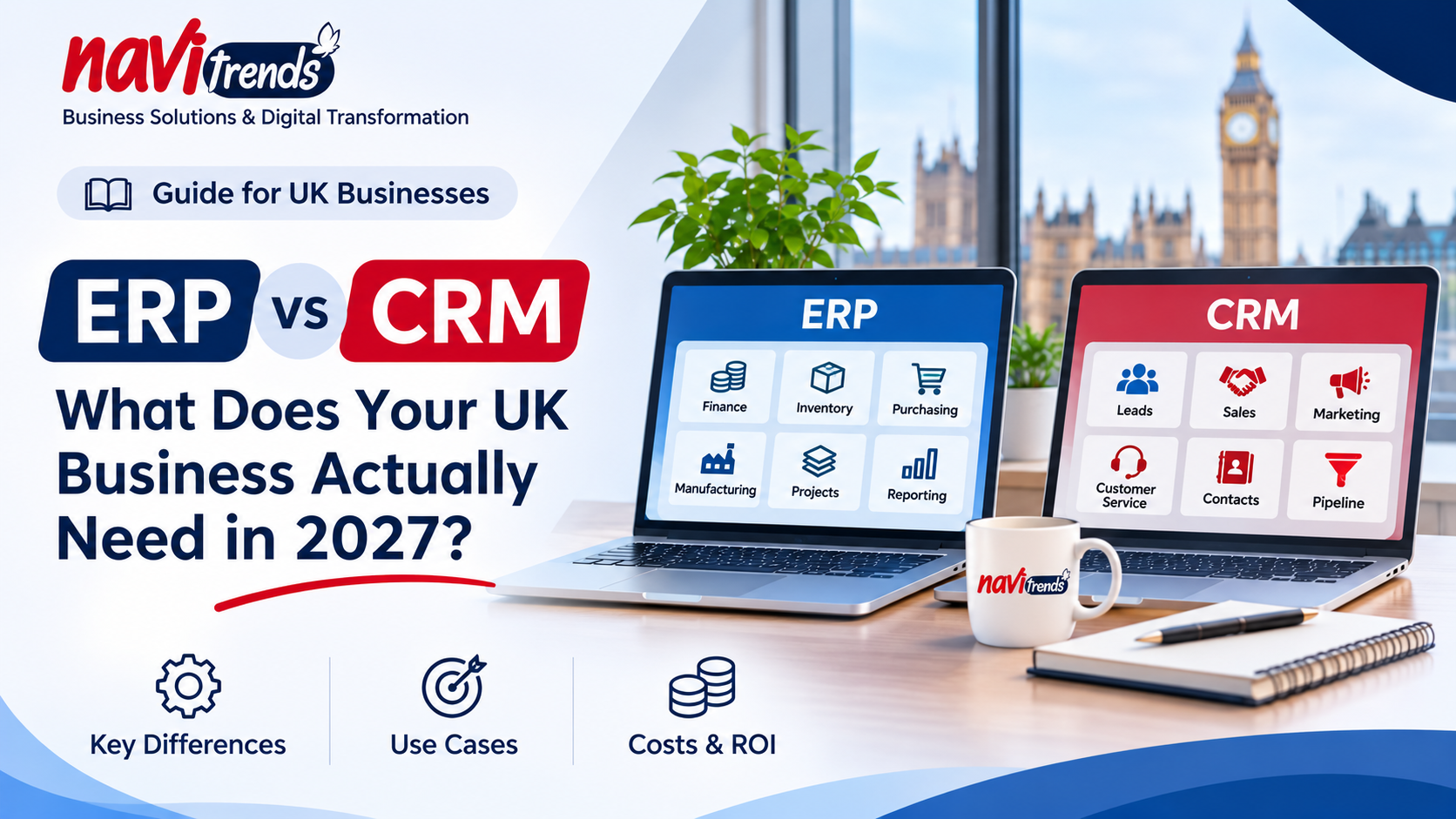
ERP vs CRM: What Does Your UK Business Actually Need in 2027?
Your sales team manages customer relationships in one application. Your finance team works in another. Stock levels are updated in spreadsheets, and important decisions are buried in emails.
Sound familiar?
For many growing UK businesses, the problem is not necessarily a lack of software. It is that their existing systems do not work together.
This raises an important question: does your business need a CRM system, an ERP platform, or better integration between the tools you already use?
In this guide, we explain the differences between ERP and CRM, explore practical business scenarios and provide a framework to help UK SMEs make the right investment decision.
1. What Is CRM Software?
Customer Relationship Management (CRM) software helps businesses manage relationships with prospects and customers.
A CRM typically supports activities such as:
Managing leads and customer records
Tracking sales opportunities
Organising sales pipelines
Recording customer communications
Managing follow-up activities
Supporting marketing and customer service
Monitoring sales performance
Popular CRM platforms include HubSpot, Salesforce and CRM applications within ERP platforms.
When does a business need CRM?
Consider a UK consultancy receiving enquiries through its website, email and referrals.
Without a structured CRM, employees may track prospects in separate spreadsheets, forget follow-ups or struggle to understand which opportunities are progressing.
A CRM provides a shared view of customer relationships and sales activities.
The main purpose of CRM is to improve how a business attracts, manages and retains customers.
2. What Is ERP Software?
Enterprise Resource Planning (ERP) software connects core business processes through an integrated system.
Depending on the platform and selected modules, an ERP can manage:
Finance and accounting
Sales orders and invoicing
Purchasing and supplier management
Inventory and warehousing
Manufacturing and production
Project management
Operational reporting
Platforms such as Odoo and ERPNext provide applications that connect multiple business functions.
When does a business need ERP?
Imagine a UK manufacturing company where sales orders are entered manually into a production spreadsheet.
The purchasing team maintains separate supplier records, while finance must reconcile information from several applications.
As the business grows, employees spend increasing amounts of time transferring and checking data.
An ERP can help connect these processes, reducing duplication and improving visibility across departments.
The main purpose of ERP is to coordinate business operations and the information they depend on.
3. ERP vs CRM: Key Differences
Business requirement | CRM | ERP |
|---|---|---|
Lead management | Core functionality | Available in some ERP platforms |
Sales pipeline | Core functionality | Often available |
Marketing campaigns | Common functionality | Depends on the platform |
Customer service | Common functionality | Depends on the platform |
Inventory management | Usually requires integration | Common ERP functionality |
Purchasing | Usually requires integration | Common ERP functionality |
Manufacturing | Usually requires integration | Available in manufacturing ERP |
Accounting | Usually requires integration | Common ERP functionality |
Operational reporting | Customer and sales-focused | Cross-functional business reporting |
The distinction is not absolute. Modern business platforms increasingly overlap.
For example, Odoo includes CRM functionality alongside ERP applications.
However, the central question remains: are you primarily trying to manage customer relationships or coordinate the operational processes behind them?
For additional background, see IBM's explanation of ERP and CRM.
4. Five Signs Your Business Needs a CRM
A CRM may be your priority if:
1. Sales opportunities are difficult to track
Your team cannot easily identify which prospects need attention or which deals are close to completion.
2. Customer information is scattered
Contact details, communications and sales notes are stored in personal inboxes or separate spreadsheets.
3. Follow-ups depend on individual employees
Important customer conversations are delayed or forgotten because there is no shared process.
4. Sales reporting takes too long
Managers struggle to understand pipeline performance, conversion rates or expected revenue.
5. Customer-facing teams lack visibility
Sales, marketing and service teams do not have consistent information about customer interactions.
In these situations, implementing or improving CRM processes may deliver more immediate value than introducing a full ERP system.
5. Five Signs Your Business Needs an ERP
An ERP may be more appropriate when operational complexity becomes the main challenge.
1. Sales, purchasing and finance operate separately
Information must be copied manually between departments.
2. Inventory information is unreliable
Employees struggle to confirm stock availability or reconcile warehouse records.
3. Orders require repeated manual processing
A customer order must be re-entered into several applications before fulfilment.
4. Manufacturing or service delivery lacks coordination
Teams cannot easily connect demand, resources, purchasing and operational progress.
5. Management reports require manual consolidation
Business leaders depend on spreadsheets assembled from multiple systems to understand performance.
For companies facing these challenges, an integrated ERP can provide a more appropriate operational foundation.
Explore NaviTrends' Odoo implementation and customisation services and ERPNext services to understand how these platforms can support connected business operations.
6. Do You Need ERP and CRM Together?
Not necessarily.
Some businesses can manage customer relationships and operational processes within a single ERP platform that includes CRM functionality.
Others may benefit from using a specialised CRM alongside a separate ERP.
For example, a growing distributor might use a dedicated CRM for marketing and sales while relying on an ERP for purchasing, stock control and invoicing.
The challenge is ensuring that relevant information moves reliably between the systems.
A well-designed integration should address:
Which application owns customer and product records
How sales orders move between systems
How duplicate records are prevented
How data changes are synchronised
How errors and failed transfers are handled
Which information employees can access
Without these decisions, integration may create additional complexity rather than reduce it.
For further reading, explore NaviTrends' ERP Integration Guide.
7. The Hidden Cost of Disconnected Business Systems
When comparing ERP and CRM software, subscription pricing is often the first consideration.
However, the cost of disconnected processes may be just as important.
Consider a company where employees repeatedly transfer information between CRM, spreadsheets and accounting software.
Each transfer takes time and introduces opportunities for mistakes.
Management reports may also require manual reconciliation before they can be trusted.
These activities create operational costs that are not always visible in software budgets.
What should UK SMEs measure?
Before investing in new software, identify measurable problems such as:
Time spent entering duplicate information
Number of manual handovers per order
Frequency of data reconciliation errors
Time required to prepare management reports
Delays between order confirmation and fulfilment
Number of applications involved in a single workflow
These measurements help determine whether the business needs a new platform, improved integration or targeted automation.
8. Should You Replace Your Existing Software?
Replacing software is not always the best solution.
A business may already have a CRM that its sales team uses effectively, while its operational problems arise from disconnected purchasing and accounting processes.
Replacing the CRM would not necessarily solve those issues.
Similarly, an existing ERP may be capable of supporting the business but require configuration, better integrations or more effective user workflows.
Before replacing a system, consider three alternatives.
Option A: Improve the existing system
Review configurations, data quality, reporting and user workflows.
Option B: Connect existing applications
Use supported APIs and integration tools to reduce duplicate data entry and improve information flow.
Option C: Introduce targeted automation
Automate repetitive activities such as document handling, approvals, notifications or data transfers.
A complete replacement becomes more relevant when existing systems cannot reasonably support essential business requirements.
At NaviTrends, we focus on understanding operational challenges before recommending ERP implementation, system integration or workflow automation.
9. ERP vs CRM Costs: What Should You Budget For?
There is no universal cost comparison because ERP and CRM projects vary significantly in scope.
A small business implementing basic contact and pipeline management has different requirements from a manufacturer integrating finance, inventory and production.
When evaluating costs, consider:
Software subscriptions and user licences
Implementation and configuration
Data cleansing and migration
Integrations with existing applications
Customisation requirements
Employee training
Maintenance and ongoing support
For additional guidance, read How Much Does an ERP System Cost?.
The most appropriate investment is not necessarily the lowest-priced platform. It is the approach that solves the business problem at a sustainable total cost.
10. How to Decide: A Practical Framework for UK SMEs
Before choosing ERP or CRM, answer these five questions.
Question 1: Where is the biggest operational problem?
Is it lead management, customer communication, inventory, purchasing, finance or reporting?
Question 2: Which teams are affected?
A challenge limited to the sales department may require a different solution from one affecting sales, finance, warehousing and operations.
Question 3: What software already works well?
Identify applications worth retaining rather than assuming everything must be replaced.
Question 4: What information needs to move between teams?
Map the complete process from initial customer enquiry through to order fulfilment and payment.
Question 5: How will you measure success?
Choose practical indicators such as processing time, duplicate entries, reporting effort or order delays.
The answers provide a clearer foundation for evaluating CRM, ERP and integration options.
11. How NaviTrends Helps UK Businesses Connect Their Operations
NaviTrends supports UK SMEs and industrial organisations with ERP implementation, software integration, workflow automation and operational digitalisation.
Our services include:
Odoo implementation and customisation
ERPNext implementation and customisation
Systems and API integration
Business process automation
Data migration and operational reporting
Custom business applications
We begin by understanding the process, identifying the bottleneck and determining which technology approach is appropriate.
Sometimes the answer is a new ERP.
Sometimes it is improving an existing system.
And sometimes a carefully designed integration or automation workflow can solve the problem without replacing the software employees already use.
Not sure whether your business needs ERP, CRM or better-connected systems?
Book a 30-minute operational digitalisation diagnostic with NaviTrends.
Frequently Asked Questions
What is the main difference between ERP and CRM?
CRM focuses primarily on customer relationships, sales and service activities. ERP focuses on connecting wider business operations, including finance, purchasing, inventory and production.
Can an ERP system include CRM?
Yes. Platforms such as Odoo and ERPNext include CRM functionality alongside other business management applications.
Does a small business need both ERP and CRM?
Not always. Some businesses need only CRM, while others benefit from an ERP with integrated CRM features. The decision depends on operational complexity and business requirements.
Can existing CRM and ERP systems be integrated?
Yes, many platforms provide APIs or integration capabilities. The technical approach depends on the systems involved and the information that needs to be exchanged.
Is ERP more expensive than CRM?
Not necessarily. Costs depend on the platform, number of users, implementation scope, integrations and ongoing support. Compare total project costs rather than subscription prices alone.
Should a business replace its CRM when implementing ERP?
Not automatically. If the existing CRM works well, integration may be more appropriate than replacement.
Final Thoughts
The ERP vs CRM decision should begin with your business processes, not a software catalogue.
If your main challenge is managing customer relationships and sales opportunities, CRM may be the right starting point.
If your business struggles to coordinate finance, purchasing, inventory and operational workflows, ERP may offer greater value.
And if your existing applications work individually but fail to communicate, integration or automation may be the most practical next step.
The best technology decision is the one that removes a real business bottleneck without introducing unnecessary complexity.