
ERP for Small Business: How to Choose the Right System
Navitrends UK · 13 October 2026 · Updated 14/10/2026
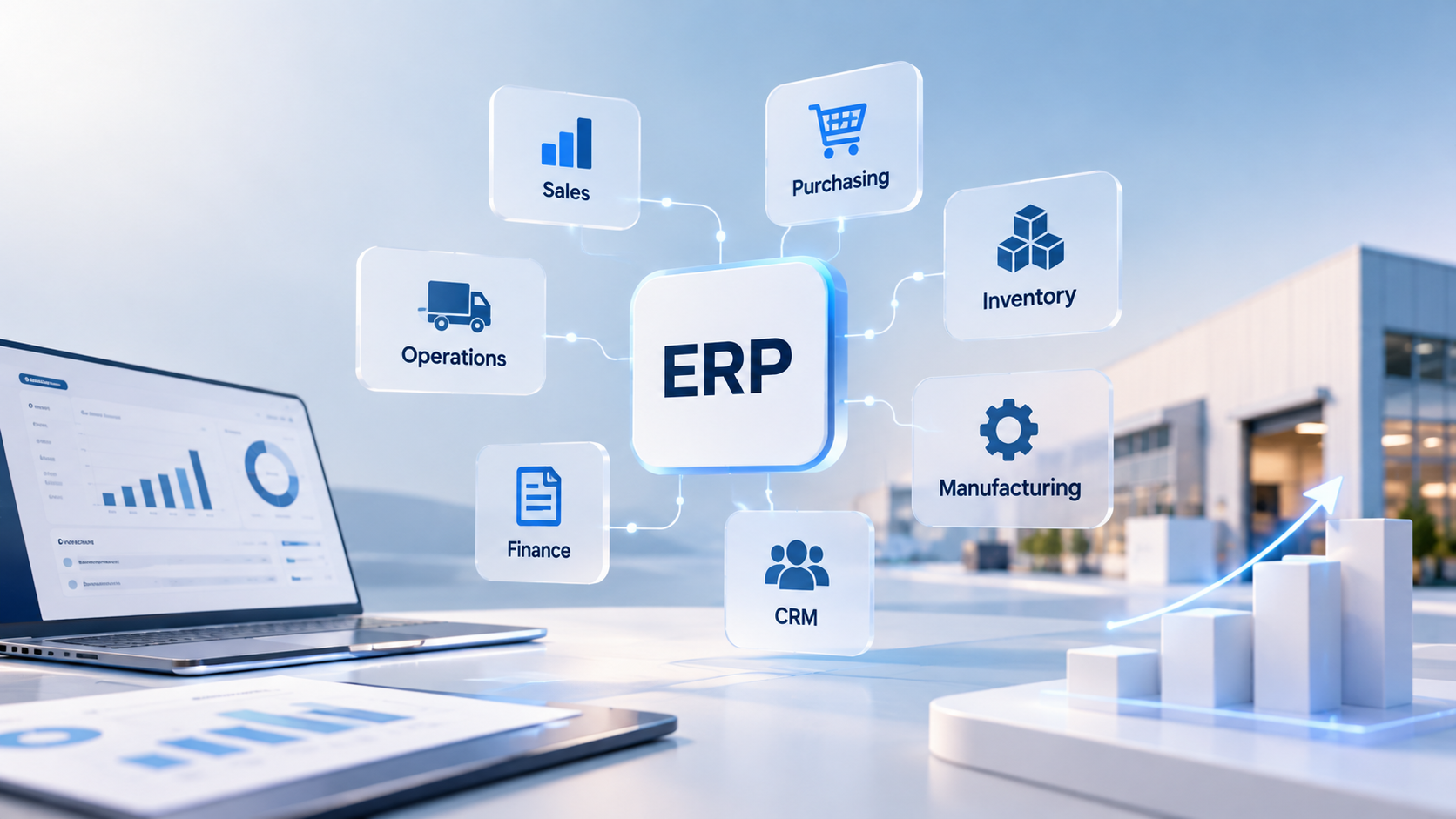
Small businesses often start with simple tools to manage their daily operations. Spreadsheets, accounting applications and separate systems for sales, purchasing or inventory may work well in the early stages.
However, as a business grows, information can become harder to manage across different applications.
An ERP for small business can help connect important business processes, reduce repeated data entry and provide more consistent operational information.
But does every small business need an ERP system? And how can UK businesses choose a solution without introducing unnecessary cost or complexity?
This guide explains what small business ERP software does, which features matter, how much implementation may cost and what to consider before selecting a system.
What Is ERP for Small Business?
Enterprise Resource Planning (ERP) software connects different business functions within a shared system or an integrated set of applications.
For a small business, an ERP may support activities such as:
Sales and customer management
Purchasing and supplier management
Inventory and stock control
Finance and accounting
Invoicing and payments
Project and service management
Operational reporting
The exact features depend on the selected ERP platform and its configuration.
A small business does not necessarily need every available module. The objective is to support the processes that matter most to its operations.
For example, a company that purchases products, manages stock and sells to customers may benefit from connecting purchasing, inventory and sales information.
A service-based business may have different priorities, such as project tracking, invoicing and financial reporting.
Does a Small Business Really Need an ERP System?
Not every small business needs ERP software.
A company with straightforward operations may be able to manage its activities effectively using existing applications.
However, an ERP may become worth considering when business processes grow more complex.
Information Is Spread Across Multiple Systems
A business may use separate applications for accounting, sales, purchasing and inventory.
When these systems do not communicate, employees may need to transfer information manually.
Employees Repeat the Same Data Entry
Customer, product or supplier information may be entered into several applications.
This can increase administrative work and create inconsistencies.
Stock Information Is Difficult to Track
Businesses managing physical products may struggle to maintain consistent information about purchases, sales and available inventory.
Reporting Takes Too Much Time
Management teams may need to combine spreadsheets and reports from several applications to understand business performance.
Existing Processes Are Becoming Harder to Manage
As the organisation grows, informal processes may no longer provide sufficient visibility or control.
These situations do not automatically mean that a full ERP replacement is necessary.
Sometimes better integration or workflow automation can address the immediate problem.
Key Benefits of ERP for Small Business
An appropriately selected and configured ERP system can support several operational improvements.
Better Visibility Across Business Operations
When relevant information is connected, teams can access a more consistent view of sales, purchasing, inventory and finance.
This may help managers understand how activities across departments affect one another.
Less Repeated Administrative Work
Connected workflows can reduce the need to enter the same information in multiple places.
For example, information from a confirmed sales order may support subsequent inventory or invoicing activities, depending on the system configuration.
More Consistent Business Data
Using shared records for customers, suppliers and products can reduce inconsistencies between departments.
However, reliable information still depends on clear processes and good data quality.
Improved Operational Reporting
ERP reporting can help businesses monitor selected operational and financial indicators.
The usefulness of these reports depends on accurate data and appropriate reporting definitions.
Support for Business Growth
A configurable ERP may allow an organisation to introduce additional functionality as its requirements evolve.
This does not mean that every ERP is equally suitable for every growing business.
Essential ERP Features for Small Businesses
The most important features depend on the organisation's activities.
Sales and Customer Management
Businesses may need to manage quotations, sales orders, customer records and invoicing.
Connecting these processes can help maintain consistent information from initial enquiry to completed sale.
Purchasing and Supplier Management
Purchasing functionality may include supplier records, purchase orders, approvals and receipt tracking.
This can be particularly useful for businesses that regularly purchase products or materials.
Inventory Management
For businesses handling physical goods, inventory management may support stock receipts, transfers, adjustments and availability tracking.
Requirements vary between retailers, distributors, manufacturers and service organisations.
Finance and Accounting
ERP platforms may provide accounting capabilities such as general ledger management, customer invoices, supplier bills and financial reporting.
UK businesses should assess whether the relevant platform and configuration meet their accounting, tax and reporting requirements.
Project and Service Management
Some small businesses need to manage projects, tasks, service delivery or customer work.
An ERP may support these activities directly or through integration with specialist applications.
Dashboards and Reporting
Dashboards can help business owners monitor operational activity.
Useful reporting starts with clearly defined indicators and reliable underlying data.
ERP vs Accounting Software: What Is the Difference?
Accounting software primarily focuses on financial activities such as bookkeeping, invoicing, payments and financial reporting.
ERP software generally covers a wider range of business processes.
For example, an ERP may connect purchasing, inventory, sales and finance within a coordinated environment.
However, the distinction depends on the products being compared.
Some accounting platforms provide additional operational features, while some ERP implementations focus on a limited set of modules.
Small businesses should evaluate their actual requirements rather than assuming that a larger system is automatically better.
Cloud ERP vs On-Premise ERP for Small Businesses
Deployment is an important consideration when choosing an ERP system.
Cloud ERP
Cloud ERP is accessed through hosted infrastructure.
Depending on the service arrangement, infrastructure management, updates and technical maintenance may be handled partly by the provider.
Businesses should review data access, security responsibilities, hosting arrangements and ongoing costs.
On-Premise ERP
On-premise ERP is deployed on infrastructure managed by the organisation or its chosen technical provider.
This approach may offer different levels of control but can introduce additional infrastructure and maintenance responsibilities.
Which Option Is Better?
There is no universal answer.
The decision depends on business requirements, internal technical resources, integration needs, security considerations and total cost of ownership.
How Much Does ERP for Small Business Cost?
Small business ERP costs vary considerably.
The overall budget depends on the software platform, number of users, selected modules, deployment model and implementation requirements.
Potential costs include:
Software licences or subscriptions
Hosting and infrastructure
Business process analysis
System configuration
Custom development
Data migration
Integration with existing applications
Testing and user training
Ongoing maintenance and support
A business implementing a few standard modules may have a different budget from one requiring extensive customisation and multiple integrations.
When comparing ERP solutions, businesses should consider the total cost of ownership rather than focusing only on the initial subscription price.
Can Small Businesses Use Odoo or ERPNext?
Odoo and ERPNext are ERP platforms that small businesses may consider when evaluating connected operational systems.
Both provide capabilities across several business functions, although available features, deployment options and commercial arrangements differ.
The appropriate choice depends on the organisation's processes and requirements.
Odoo for Small Businesses
Odoo offers business applications covering areas such as sales, purchasing, inventory and accounting.
Businesses should evaluate the relevant edition, required applications, implementation approach and ongoing support needs.
NaviTrends provides Odoo implementation and customisation services for organisations exploring this platform.
ERPNext for Small Businesses
ERPNext is an open-source ERP platform with capabilities across areas such as accounting, sales, purchasing, inventory and projects.
Businesses should consider hosting, configuration, data migration, integration and ongoing maintenance when evaluating an implementation.
NaviTrends supports ERPNext implementation and customisation based on operational requirements.
Neither platform should be selected solely because it is described as suitable for small businesses.
A requirements assessment is essential.
How to Choose the Right ERP System for a Small Business
Choosing an ERP system should begin with understanding how the business operates.
1. Identify Current Operational Problems
Document the processes that create the most difficulty.
Examples might include repeated data entry, inconsistent inventory records or time-consuming reporting.
2. Define Essential Requirements
Separate essential capabilities from optional features.
This helps prevent unnecessary complexity and implementation costs.
3. Review Existing Applications
Identify which systems are already working effectively.
A new ERP may not need to replace every application.
4. Compare ERP Platforms
Evaluate relevant functionality, configuration options, integration capabilities, deployment arrangements and ongoing costs.
5. Consider Implementation Requirements
Even a relatively small ERP project may require data preparation, process changes, testing and training.
6. Plan for Future Changes
Consider whether the solution can support foreseeable changes in users, processes, reporting and integrations.
Avoid paying for unnecessary complexity based only on uncertain future requirements.
Common ERP Implementation Mistakes Small Businesses Should Avoid
Choosing Software Before Defining Requirements
Selecting an ERP based mainly on popularity or features can result in a poor fit.
Implementing Too Many Modules at Once
Introducing unnecessary functionality can increase project complexity.
A phased approach may be appropriate when operational dependencies allow it.
Underestimating Data Migration
Existing customer, supplier, product and financial records may require cleaning before migration.
Customising Everything
Custom development can be valuable, but standard functionality and configuration should be evaluated first.
Ignoring Employee Training
Employees need to understand how the system supports their daily responsibilities.
Forgetting About Ongoing Support
ERP systems require maintenance, updates and improvements as business needs change.
When Is ERP Integration Better Than Replacing Existing Software?
A small business may already have applications that perform their individual tasks effectively.
If the main problem is that information does not move between those applications, integration may be worth evaluating.
For example, a business might want to connect its e-commerce platform with inventory and accounting processes.
Depending on the applications involved, this may be possible through APIs or other suitable integration methods.
The decision should consider technical feasibility, maintenance responsibilities and the reliability of data exchange.
Replacing every application is not always necessary.
Frequently Asked Questions About ERP for Small Business
What is the best ERP for a small business?
There is no single best ERP for every small business. The right system depends on operational requirements, budget, existing software, technical resources and implementation needs.
Is ERP suitable for small businesses?
Yes, ERP can be suitable for small businesses, particularly when they need to connect multiple operational processes. However, a full ERP may not be necessary for organisations with simple requirements.
How much does small business ERP cost?
Costs vary according to the platform, number of users, required functionality, hosting, implementation, integration and support.
Can a small business implement ERP gradually?
In some cases, yes. A phased implementation can introduce selected modules over time, provided dependencies between business processes are properly considered.
Does a small business need cloud ERP?
Not necessarily. Cloud and on-premise approaches have different operational and technical considerations. The appropriate deployment model depends on the business.
Can ERP connect with existing accounting or e-commerce software?
Potentially, yes. Integration depends on the applications involved, available technical interfaces and business requirements.
How long does it take to implement ERP for a small business?
Implementation duration depends on project scope, data quality, configuration, customisation, integrations and training requirements.
Planning a Small Business ERP Project With NaviTrends
Choosing ERP for a small business is not about implementing the largest possible system.
It is about identifying the processes that need improvement and selecting an approach that supports everyday operations.
At NaviTrends, we help organisations analyse business requirements, implement and customise ERP platforms, connect existing applications and automate suitable workflows.
Whether your business is considering its first ERP or looking to improve existing systems, a structured assessment can help clarify the next steps.
Explore our Odoo implementation and customisation services and ERPNext implementation and customisation services, or contact NaviTrends to discuss your requirements.ok