
Cloud Migration Checklist for UK SMEs: 10 Steps to Protect Business Operations
Navitrends UK · 18 November 2026 · Updated 18/11/2026
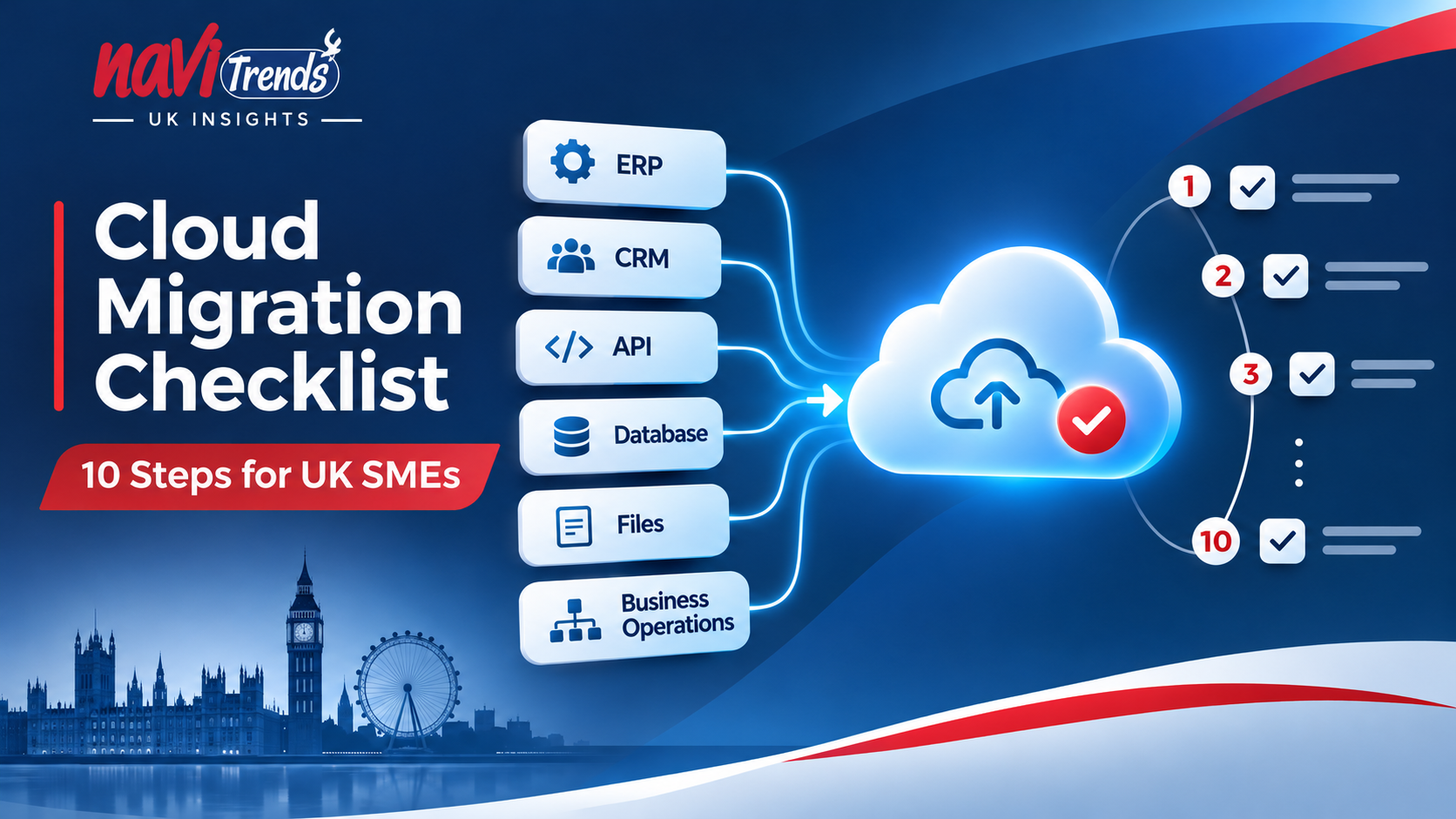
Cloud Migration for UK SMEs: A Practical Checklist for Business Applications
Cloud migration for small businesses is not simply about moving files and servers. It involves preparing applications, managing data, protecting critical business processes and ensuring that connected systems continue to work after the move.
For UK SMEs, this can be particularly important when ERP software, CRM platforms, e-commerce websites, databases and APIs support daily operations.
A poorly planned migration can interrupt order processing, create data inconsistencies or affect employees' access to essential applications.
This guide explains how to plan a cloud migration, which costs and risks to consider, and how to move business applications while minimising operational disruption.
What Is Cloud Migration for a Small Business?
Cloud migration is the process of moving applications, data, infrastructure or workloads from an existing IT environment to a cloud-based platform.
For a small business, this may involve moving applications from on-premise servers, changing hosting providers or updating infrastructure to support future business requirements.
Cloud migration can cover:
Business applications: ERP, CRM, accounting and internal management systems.
Databases: Information supporting sales, purchasing, inventory and reporting.
Files and documents: Business records stored on existing servers.
Integrations: APIs connecting e-commerce, logistics and other applications.
Infrastructure: Computing resources, storage, networking and deployment environments.
Cloud migration does not necessarily mean moving every system. Some applications may remain on existing infrastructure because of technical dependencies, business requirements or licensing restrictions.
The objective should be to select an appropriate environment for each workload, rather than moving everything simply because cloud technology is available.
Why Do UK Small Businesses Move to the Cloud?
Businesses generally consider cloud migration when their existing technology becomes difficult to maintain, expensive to upgrade or restrictive as their operations evolve.
Easier Infrastructure Management
Cloud platforms can reduce the need to manage certain physical infrastructure components internally. However, the level of responsibility retained by the business depends on the services selected.
Greater Flexibility
Cloud resources can often be adjusted as application requirements change, making it easier to accommodate new workloads or changing demand.
Improved Deployment Processes
Cloud infrastructure can support automation, repeatable deployments and more consistent application environments.
Support for Connected Business Systems
Cloud services can help businesses host applications and integrate operational tools, provided that connections, permissions and data flows are designed correctly.
Opportunities for Better Resilience
Suitable cloud architectures can support backup, monitoring and recovery capabilities. These benefits depend on configuration, testing and ongoing management.
Important: Cloud migration does not automatically reduce costs, improve security or eliminate downtime. These outcomes depend on the chosen architecture and how the migration is planned.
Cloud Migration Checklist: 10 Steps for UK SMEs
A successful migration starts with understanding the systems your business relies on, rather than choosing a cloud provider immediately.
1. Define Your Cloud Migration Objectives
Start by identifying why your business needs to migrate.
Are you replacing ageing infrastructure, supporting remote access, improving reliability or preparing to deploy new applications?
Your objectives should influence the migration approach and the way success is measured.
Questions to answer:
Which business problems are we trying to resolve?
Which applications create the most operational difficulties?
What improvements do we expect?
What budget and internal resources are available?
Recommended action: Document business objectives, priorities and measurable acceptance criteria before selecting technical solutions.
2. Assess Your Existing IT Infrastructure
Create an inventory of the applications, servers, databases and services currently supporting the business.
For each system, record its purpose, users, technical requirements, hosting environment and maintenance arrangements.
Identify applications that rely on old operating systems, specific database versions or restricted software licences.
This assessment helps determine which workloads are suitable for migration and which may require additional preparation.
The Microsoft Cloud Adoption Framework also emphasises the importance of evaluating application architecture, dependencies and requirements before migration.
Recommended action: Classify applications by business importance, technical complexity and migration readiness.
3. Map ERP, CRM and Application Dependencies
One of the most important parts of business application migration is understanding how systems exchange information.
For example, an ERP system may connect to:
A CRM used by the sales team.
An e-commerce platform receiving customer orders.
Accounting or payment applications.
Warehouse and inventory management systems.
Delivery services and external APIs.
Reporting or business intelligence tools.
Moving the ERP without reviewing these dependencies can interrupt connected processes.
Illustrative example
A UK distributor uses an ERP system connected to an online shop and a delivery platform.
Before migrating the ERP, the business needs to confirm that online orders will continue to transfer correctly, inventory updates remain accurate and delivery information is available.
The migration must therefore include both technical and operational testing.
This is a hypothetical example illustrating a common business scenario.
Recommended action: Create a dependency map showing which applications exchange data and how those connections will operate after migration.
4. Choose the Right Cloud Migration Strategy
Different applications may require different migration approaches.
Approach | Description | Typical Consideration |
|---|---|---|
Rehosting | Moving an application with minimal changes | Suitable for certain compatible workloads |
Replatforming | Making selected infrastructure or platform changes | Useful when targeted improvements are required |
Refactoring | Modifying the application architecture | Considered when existing design limits requirements |
Replacing | Moving to a different software solution | Considered when the original application is no longer suitable |
Retaining | Keeping the current environment | Appropriate when migration is not justified |
For example, an existing business application may be suitable for rehosting, while another might need architectural changes before moving.
Recommended action: Choose the migration approach individually for each application, taking compatibility, risk and business value into account.
5. Estimate Cloud Migration Costs in the UK
One of the most common questions businesses ask is: how much does cloud migration cost?
There is no universal price for migrating a small business.
Costs depend on:
The number and complexity of applications.
The amount of data being transferred.
The current hosting environment.
Cloud infrastructure and storage requirements.
Software licensing and integration work.
Migration testing and implementation.
Monitoring, security and ongoing maintenance.
Businesses should also consider cloud data transfer charges, backup storage and the possibility of operating both environments during the transition.
Initial Costs Versus Ongoing Costs
Initial migration costs cover assessment, implementation, configuration and testing.
Ongoing costs may include infrastructure consumption, subscriptions, technical support and monitoring.
A cloud platform can offer flexible resource allocation, but inefficient configurations may lead to unnecessary expenditure.
Recommended action: Build a total cost estimate that includes migration, ongoing operation and potential future changes.
6. Review Cloud Security and UK GDPR Requirements
Security and data protection should be included from the beginning of the migration project.
Important considerations include:
User authentication and access permissions.
Encryption and secure network connections.
Backup and recovery arrangements.
Monitoring and audit logs.
Third-party access to business systems.
Data processing agreements and relevant legal obligations.
For UK businesses handling personal data, UK GDPR requirements continue to apply when information is processed using cloud services.
International data transfer rules may also be relevant depending on the organisations involved and the processing arrangements.
The UK's National Cyber Security Centre provides cloud security guidance.
The Information Commissioner's Office provides guidance on UK GDPR and international transfers.
Recommended action: Review security responsibilities, access controls, data protection requirements and contractual arrangements before approving the migration.
7. Prepare Backups and a Recovery Plan
Before moving business-critical applications, establish how systems and data can be recovered if the migration encounters problems.
A recovery plan should identify:
What must be backed up.
How backups are verified.
How quickly essential systems need to be restored.
How much data loss would be acceptable.
Who is responsible for recovery decisions.
Whether returning to the previous environment is technically possible.
A backup is not sufficient unless it can be restored when needed.
Recommended action: Test the recovery process before the production migration.
8. Test Business Applications Before Go-Live
Infrastructure tests alone are not enough to confirm a successful migration.
A business application may open correctly while important processes fail in the background.
Testing should reflect how employees actually use the system.
For an ERP and CRM environment, this may involve:
Creating a customer record.
Processing a sales order.
Updating stock quantities.
Generating an invoice.
Synchronising data between ERP and CRM.
Checking scheduled reports and automated workflows.
Verifying user permissions and system performance.
Business users should participate in acceptance testing where appropriate.
Recommended action: Define clear acceptance criteria for each critical business process and record the results before go-live.
9. Plan the Transition to Minimise Business Disruption
Cloud migration can affect employees, customers and connected applications if the transition is not coordinated.
A cutover plan should specify:
The migration schedule.
Responsibilities and approval procedures.
Required communication with employees.
Which services may be temporarily unavailable.
How data changes will be handled during the transition.
Conditions that trigger a rollback.
The process for reporting and resolving incidents.
For systems with multiple dependencies, a phased migration may be preferable to moving everything simultaneously.
Recommended action: Agree on a cutover plan and confirm that the business is ready before changing the production environment.
10. Monitor and Optimise After Migration
Migration is not complete simply because applications are accessible in the cloud.
Businesses need to verify that the new environment continues to meet their operational requirements.
Post-migration activities may include:
Monitoring availability and application performance.
Checking integrations and scheduled data transfers.
Reviewing infrastructure resource usage.
Monitoring cloud spending.
Verifying backup and recovery processes.
Collecting feedback from employees.
Reviewing opportunities for automation and optimisation.
Recommended action: Assign ongoing responsibility for monitoring, support and periodic infrastructure reviews.
How Do You Know If Your Business Is Ready for Cloud Migration?
Before proceeding, review this practical readiness checklist.
We have identified clear business objectives.
We understand which applications support critical operations.
ERP, CRM and other system dependencies are documented.
Each workload has an appropriate migration strategy.
Initial and recurring costs have been evaluated.
Security and UK GDPR requirements have been considered.
Backups and recovery procedures have been tested.
Business application testing requirements are agreed.
The transition and rollback arrangements are documented.
Post-migration support responsibilities are defined.
If several points remain unresolved, your business may benefit from further assessment before beginning the migration.
Common Cloud Migration Mistakes UK SMEs Should Avoid
Moving Applications Without Understanding Integrations
Applications can depend on external systems, scheduled processes and shared data. Missing these dependencies can affect daily operations.
Assuming Cloud Hosting Is Always Cheaper
Cloud services have recurring charges, and inappropriate resource allocation can increase costs.
Migrating Everything Simultaneously
Moving all systems at once can increase the operational impact of an unexpected issue. A phased approach may reduce this risk.
Testing Infrastructure but Not Business Processes
A technically accessible application is not necessarily operationally ready. Everyday workflows must be verified.
Neglecting Ongoing Management
Cloud infrastructure still requires security reviews, monitoring, backups, cost oversight and technical support.
Cloud Migration and ERP Systems: Why Integration Matters
For businesses using ERP software, migration planning should consider more than the hosting environment.
An ERP platform often supports purchasing, sales, inventory, accounting and operational reporting. It may also exchange information with applications outside the ERP itself.
Changes to infrastructure can affect connectivity, application performance, scheduled processes and user access.
For that reason, cloud migration should be assessed alongside the requirements of connected business systems.
Connecting Cloud Infrastructure with Business Applications
At NaviTrends, our approach focuses on how infrastructure, applications, data and operational processes work together.
For organisations evaluating ERP systems and connected applications, our Odoo services and ERPNext services provide additional information about ERP implementation, integration and business process improvement.
Real-World Business Engineering: Explore Our Case Studies
Successful digital engineering projects depend on understanding operational requirements, data flows and the relationships between business systems.
These considerations are relevant to cloud migration planning, particularly when ERP platforms, automated workflows and connected applications are involved.
To explore how NaviTrends approaches wider business engineering challenges, visit our Case Studies, which present examples of ERP implementation, process digitalisation and workflow automation.
These case studies illustrate NaviTrends' approach to business systems and integration; they should not be interpreted as evidence of completed cloud migration projects.
Frequently Asked Questions About Cloud Migration
How Much Does Cloud Migration Cost for a Small Business in the UK?
The cost depends on the existing infrastructure, number of applications, data volume, migration complexity and ongoing cloud services. A technical assessment is needed to estimate both implementation and recurring costs.
How Long Does Cloud Migration Take?
Migration timelines vary considerably. A relatively simple workload may require limited preparation, while multiple business-critical applications and integrations can require extensive assessment, testing and a phased transition.
Can I Move My Existing ERP to the Cloud?
Potentially, yes. The feasibility depends on the ERP platform, its architecture, licensing arrangements, database requirements, customisations and external integrations. Not every ERP can be migrated without changes.
Is Cloud Migration Secure?
Cloud environments can support strong security controls, but security is not automatic. Businesses must assess provider responsibilities, configure access correctly, protect data and maintain appropriate monitoring and recovery procedures.
Will Cloud Migration Cause Downtime?
Some migration approaches may require planned service interruptions. Others can reduce the interruption period through phased transitions, replication and suitable cutover arrangements. Zero downtime should never be assumed without a validated technical plan.
Do UK Businesses Have to Store All Their Data in the UK?
Not necessarily. Data residency obligations depend on the information, contracts, regulatory requirements and processing arrangements. Relevant UK GDPR obligations must be assessed, including international transfer rules where applicable.
Plan Your Cloud Migration with NaviTrends UK
Moving to the cloud should be a business decision supported by a clear technical plan.
Whether your organisation needs to modernise infrastructure, prepare an application deployment or assess the migration of connected business systems, the starting point is understanding your actual requirements.
NaviTrends brings together a process-first approach to business applications, integration, cloud infrastructure and digital engineering.
We can discuss your existing environment, operational priorities and the practical options available for your next step.
Discuss Your Cloud Project with NaviTrends