
ERP Integration: How to Connect Business Systems and Reduce Manual Work
Navitrends UK · 3 November 2026 · Updated 03/11/2026
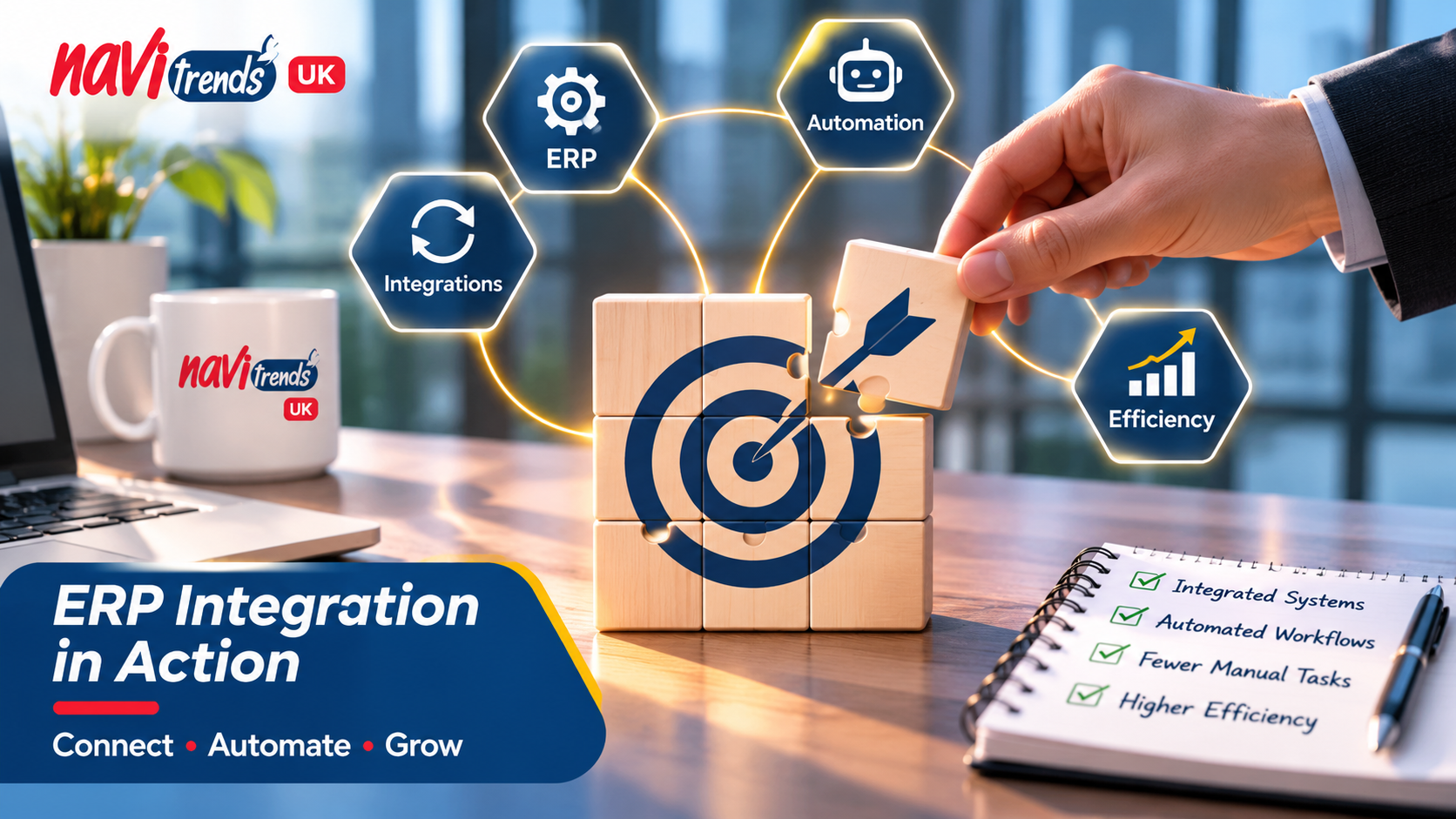
ERP Integration: How to Connect Business Systems and Reduce Manual Work
Businesses often rely on several software systems to manage their daily operations. Sales teams use CRM platforms, finance departments work with accounting software, and operations teams depend on inventory or project management tools.
While each system serves a purpose, disconnected applications can create unnecessary administrative work, duplicate data entry and delays in accessing important information.
ERP integration helps businesses connect their systems, streamline workflows and improve operational visibility.
What Is ERP Integration?
ERP integration is the process of connecting an Enterprise Resource Planning (ERP) system with other business applications to enable information to flow between them.
For example, a business might connect its ERP platform with:
Customer Relationship Management (CRM) software.
E-commerce platforms.
Accounting and invoicing applications.
Inventory and warehouse management systems.
Reporting and analytics tools.
Instead of manually transferring information between applications, businesses can use integrations to exchange data more efficiently.
Why Do Businesses Need ERP Integration?
As companies grow, their software environments often become more complex.
A sales team might record customer orders in one application, while the finance team manually enters the same information into another system.
This creates additional work and increases the risk of inconsistencies.
A well-planned ERP integration strategy can help businesses address these challenges.
1. Reduce Manual Data Entry
Repeatedly entering the same information across multiple systems takes time.
ERP integration can automate data transfers between connected applications, allowing employees to focus on higher-value activities.
2. Improve Data Accuracy
When departments maintain separate records, information can become inconsistent.
Connecting business applications helps establish more reliable data flows and reduces the need for manual reconciliation.
3. Streamline Business Processes
ERP integration can support connected workflows across sales, purchasing, inventory and finance.
For example, an approved sales order can trigger related activities in other systems, depending on the integration and automation rules implemented.
4. Improve Operational Visibility
Disconnected systems make it difficult to obtain a consistent view of business performance.
By connecting relevant data sources, companies can improve reporting and make information more accessible to decision-makers.
ERP Integration and Business Process Automation
ERP integration and business process automation are closely related, but they serve different purposes.
ERP integration connects systems and enables data exchange.
Business process automation uses defined rules and workflows to perform repetitive tasks with less manual intervention.
When combined, they can help organisations build more efficient operational processes.
For example, an integrated workflow might:
Receive a customer order from an e-commerce platform.
Transfer the order information to the ERP system.
Update the relevant inventory records.
Generate the necessary information for invoicing.
Notify the appropriate team when action is required.
The exact workflow depends on the company's software environment and business requirements.
Common ERP Integration Challenges
Although ERP integration offers significant opportunities, successful implementation requires careful planning.
Businesses should consider several factors before connecting their applications.
Data quality: Existing records may contain duplicates, missing information or inconsistent formats.
System compatibility: Applications may use different data structures, APIs or integration methods.
Security: Sensitive business information must be protected during data exchange.
Process alignment: Integrations should reflect how the organisation actually operates.
Maintenance: Connected systems may require updates when applications or business processes change.
Addressing these considerations early helps businesses develop more reliable integrations.
How to Approach an ERP Integration Project
A successful ERP integration project starts with understanding the business processes involved.
Rather than connecting every application immediately, organisations can begin by identifying the workflows that create the most administrative work.
A practical approach includes:
Assess existing systems: Identify the applications currently used across departments.
Map business processes: Understand how information moves between teams.
Identify integration priorities: Focus on workflows where connectivity can deliver meaningful value.
Design data flows: Define what information needs to be exchanged and when.
Implement and test: Validate the integration using realistic business scenarios.
Monitor and improve: Review performance and adapt workflows as requirements evolve.
This approach helps ensure that technology supports business objectives rather than introducing unnecessary complexity.
How NaviTrends Supports ERP Integration
At NaviTrends UK, we help businesses explore opportunities to connect their applications and improve everyday workflows.
Our services cover ERP solutions, system integration and business process automation, with a focus on understanding operational requirements and identifying practical improvements.
Whether a company is looking to connect existing applications, reduce repetitive administrative tasks or improve information flow between departments, the starting point is understanding how its systems and teams work together.
Final Thoughts
ERP integration is not simply about connecting software. It is about creating better coordination between business processes, people and information.
With a clear integration strategy, businesses can reduce unnecessary manual work, improve data consistency and build more connected operations.
Looking to improve how your business systems work together?
Contact NaviTrends UK to discuss your ERP integration and business automation requirements.