
AI Agents for Business: 7 Practical Use Cases for UK SMEs in 2027
Navitrends UK · 13 November 2026 · Updated 13/11/2026
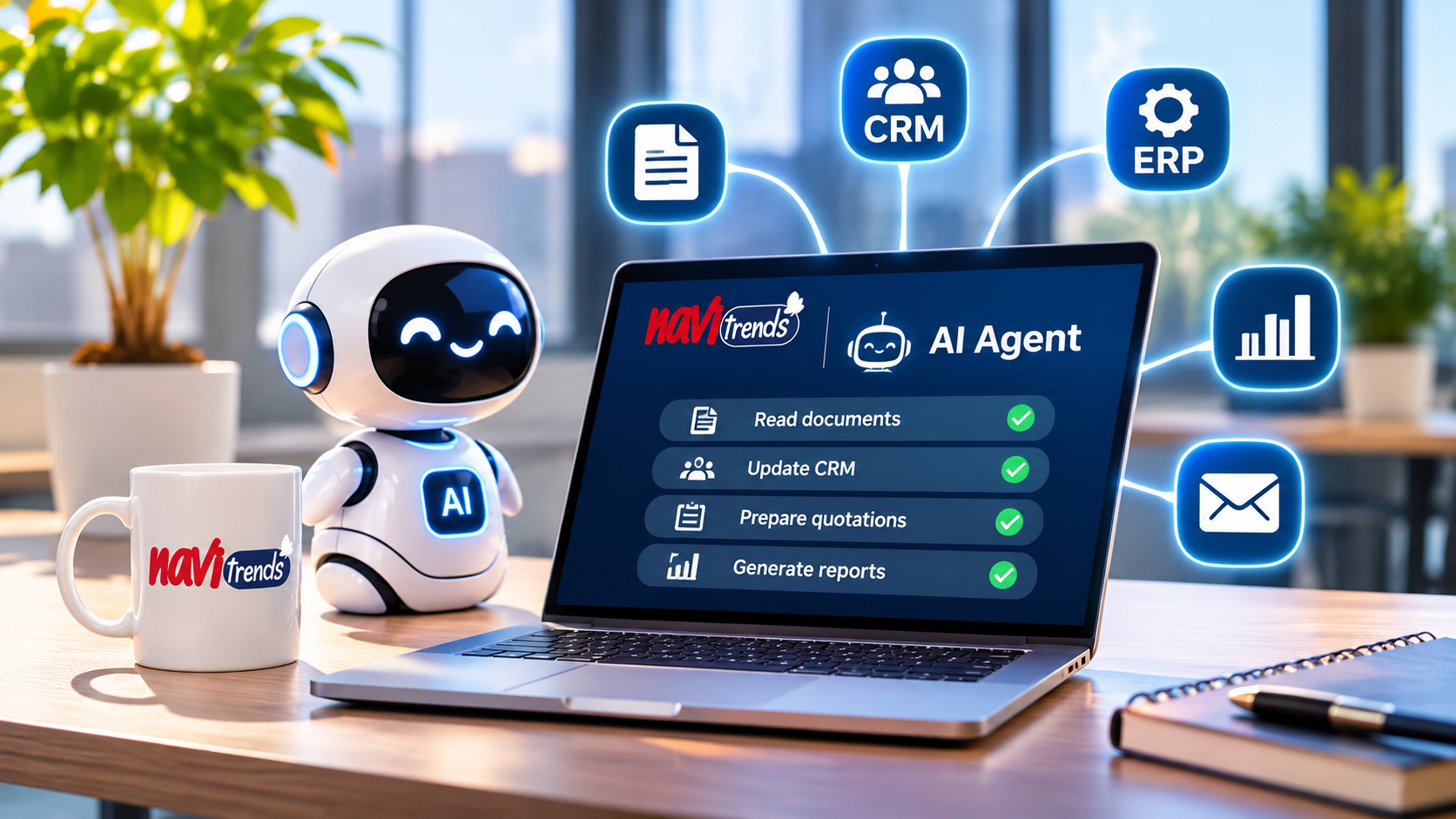
AI Agents for Business: 7 Practical Use Cases for UK SMEs in 2027
Artificial intelligence is moving beyond answering questions and generating content. Businesses are beginning to explore AI agents that can work with documents, retrieve information, interact with software and support multi-step business processes.
For UK small and medium-sized enterprises (SMEs), the opportunity is not simply to adopt more AI tools. It is to identify where intelligent automation can solve a genuine operational problem.
But what are AI agents, how do they work, and where can they deliver practical value?
This guide explores seven business use cases, the differences between AI agents and traditional automation, and how UK businesses can approach implementation without unnecessary complexity.
What Are AI Agents for Business?
An AI agent is a software system that uses artificial intelligence to interpret information, select actions and carry out tasks within defined boundaries.
Unlike a traditional chatbot, which primarily responds to questions, an AI agent may interact with business applications, retrieve documents or trigger approved workflows.
For example, a business AI agent could:
Read an incoming supplier document.
Identify the relevant purchase order.
Compare the document with information in an ERP system.
Flag discrepancies.
Prepare the next action for employee approval.
The agent does not need unrestricted autonomy to be useful.
In many business environments, the safest approach is to let AI prepare or recommend actions while employees retain control over important decisions.
AI Agents vs Traditional Business Automation
Traditional automation is particularly effective when tasks follow predictable rules.
For example, when an approved order is received, a workflow can automatically send a confirmation email.
AI agents become relevant when a process also requires interpreting unstructured information, such as emails, documents or written requests.
Traditional automation | AI agents |
|---|---|
Follows predefined rules | Can interpret less structured inputs |
Works well with predictable data | Can help process documents and natural language |
Executes specified steps | May select from permitted tools and actions |
Easier to test for fixed scenarios | Requires additional evaluation and monitoring |
Suitable for routine workflows | Useful for selected knowledge-intensive tasks |
These approaches are complementary.
A well-designed business process may use AI to interpret information and conventional automation to execute validated actions.
For a broader introduction, explore NaviTrends' insights on ERP automation.
1. AI Document Processing
Many businesses still receive invoices, delivery notes, quotations and supplier documents by email.
Employees must open attachments, identify important details and manually transfer information into internal systems.
An AI-assisted workflow can help extract relevant information and prepare structured records.
Practical example
A supplier sends a PDF invoice.
The system extracts the supplier name, invoice number, date, amounts and purchase order reference.
It then checks the information against existing business records and flags missing or inconsistent fields.
An employee reviews the result before the invoice is processed.
Potential benefits
Less repetitive data entry
More consistent document handling
Faster identification of missing information
Improved visibility into processing exceptions
Document automation is particularly useful when businesses handle large volumes of semi-structured paperwork.
2. AI Sales and CRM Assistants
Sales teams frequently spend time reviewing enquiries, updating CRM records and preparing follow-up communications.
An AI sales assistant can support these activities by retrieving relevant information and preparing suggested next steps.
Practical example
A new customer enquiry arrives by email.
An AI-assisted workflow identifies the enquiry topic, checks available CRM information and prepares a suggested response.
The sales representative reviews the message before sending it.
Where it can help
Classifying incoming enquiries
Preparing draft responses
Summarising customer interactions
Identifying missing CRM information
Suggesting follow-up tasks
The objective is not to replace the relationship between a business and its customers.
It is to reduce administrative work so sales teams can focus on conversations and decisions.
3. AI-Assisted Quotation Preparation
Preparing quotations can be time-consuming, especially when product specifications, previous projects or technical requirements must be reviewed.
AI can help employees retrieve relevant historical information and prepare a quotation draft.
Practical example
A customer requests a quotation for a specialised service.
The system searches approved historical quotations and relevant internal documentation.
It identifies potentially useful references and prepares a draft for commercial review.
An authorised employee validates the scope, assumptions and pricing before anything is sent.
Why this matters
In many organisations, valuable commercial knowledge is stored across documents, emails and individual employees' experience.
Making this knowledge easier to retrieve can support more consistent quotation preparation.
However, final commercial decisions should remain subject to appropriate human approval.
4. AI Knowledge Assistants for Internal Teams
Business knowledge is not always easy to find.
Procedures may be stored in shared folders, technical documentation, emails or internal manuals.
An AI knowledge assistant can help employees search approved information using natural language.
Practical example
An employee asks:
"What is our procedure for handling a supplier delivery discrepancy?"
The assistant retrieves relevant internal documentation and provides an answer with references to the source material.
Potential applications
Internal procedures
Technical documentation
Employee onboarding
Product information
Quality management instructions
Operational troubleshooting
The reliability of this approach depends heavily on document quality, access permissions and source management.
Businesses should ensure that employees can verify important answers against authoritative documents.
5. AI Support for Purchasing and Supplier Operations
Purchasing teams often manage supplier communications, order confirmations, delivery updates and exceptions.
AI agents can help organise this information and identify issues requiring attention.
Practical example
A supplier sends an email indicating that a delivery will be delayed.
The system identifies the affected purchase order and prepares an alert for the purchasing team.
If the information is incomplete, it flags the issue rather than automatically changing critical records.
Potential benefits
Better visibility into supplier communications
Faster identification of exceptions
Reduced manual email classification
More structured purchasing follow-up
This use case becomes particularly valuable when AI is connected to reliable purchasing and inventory information.
6. AI Reporting and Operational Insights
Business leaders often rely on reports assembled manually from spreadsheets and several applications.
AI assistants can help employees access existing reporting information and understand operational changes.
Practical example
An operations manager asks:
"Which orders are delayed, and what are the main reasons?"
A properly integrated assistant retrieves authorised data, applies defined business rules and presents a summary.
It may also highlight missing information or recommend further investigation.
Important limitation
AI-generated explanations should not replace validated financial or operational calculations.
KPIs should come from trusted data sources and documented calculation rules.
AI is most useful here as an interface for exploring reliable information, not as an alternative to data governance.
7. AI Agents for Workflow Monitoring
Some business processes involve several systems and departments.
When an exception occurs, employees may not notice it immediately.
AI-assisted monitoring can help identify unusual situations and prepare alerts or recommendations.
Practical example
A customer order has not progressed because a required document is missing.
The system detects the incomplete workflow, identifies the missing item and notifies the responsible employee.
Where appropriate, it can prepare a follow-up message for approval.
Potential applications
Incomplete customer orders
Missing purchasing documents
Unresolved service requests
Delayed internal approvals
Exceptions requiring manual review
The most useful implementations combine reliable workflow rules with AI capabilities only where interpretation is necessary.
How Much Do AI Agents Cost for a Business?
The cost of an AI agent depends on the process, existing infrastructure and level of integration.
A simple assistant that searches approved documents may require less development than an agent connected to several business systems.
Businesses should consider:
Initial requirements analysis
Data preparation
Software development or configuration
AI model usage
Hosting and infrastructure
API and system integrations
Testing and security
Monitoring and ongoing maintenance
The cheapest solution is not necessarily the one with the lowest initial development cost.
A useful evaluation considers the total cost of operating the solution and the measurable value of the process being improved.
For related system cost considerations, explore the NaviTrends Insights library.
What Are the Risks of Using AI Agents?
AI agents introduce additional risks because they may interpret information incorrectly or interact with connected systems.
Important considerations include:
Data protection: Personal information must be handled in accordance with applicable UK data protection requirements.
Accuracy: AI-generated outputs can contain errors and must be evaluated against reliable information.
Access control: Agents should only access the information and actions necessary for their assigned tasks.
Human oversight: Sensitive decisions and irreversible actions should require appropriate approval.
Monitoring: Organisations need visibility into what an agent has done and how failures are handled.
The UK Information Commissioner's Office (ICO) provides guidance on AI and data protection.
The National Cyber Security Centre (NCSC) also provides guidance on managing the security risks of agentic AI.
For customer-facing agents, businesses should also review the Competition and Markets Authority's guidance on consumer law and AI agents.
How to Start With AI Agents in Your Business
A successful AI initiative does not need to begin with a large transformation programme.
A more practical approach is to select one clearly defined business problem.
Step 1: Identify a repetitive or knowledge-intensive task
Look for processes involving manual document handling, repeated information searches or frequent operational exceptions.
Step 2: Understand the existing workflow
Document where information comes from, who makes decisions and which systems are involved.
Step 3: Define a measurable objective
Examples include reducing document processing time, improving classification accuracy or reducing manual interventions.
Step 4: Build a controlled pilot
Start with a limited dataset, defined permissions and human review.
Step 5: Evaluate the results
Measure accuracy, time saved, failure cases, employee feedback and operating costs.
Step 6: Expand only when justified
Once the pilot demonstrates useful results, consider broader integration and production deployment.
This approach helps businesses avoid investing in AI technology without a clear operational purpose.
How NaviTrends Helps Businesses Apply AI to Operations
At NaviTrends, we focus on connecting operational systems, business knowledge and intelligent workflows.
Our capabilities include:
AI document processing
Business process automation
AI workflow agents
Knowledge assistants
Quotation automation
CRM and sales automation
ERP and API integration
Operational reporting and decision support
Our approach begins with the process rather than the technology.
We identify one operational bottleneck, define a measurable objective and assess whether conventional automation, AI or a combination of both is appropriate.
Where AI is justified, we can help design and evaluate a controlled pilot before considering broader deployment.
Interested in applying AI to a real business process?
Contact NaviTrends to discuss a 30-minute operational digitalisation diagnostic.
One process. One bottleneck. One measurable opportunity.
Frequently Asked Questions
What is an AI agent in business?
An AI agent is a software system that uses artificial intelligence to interpret information and perform or support tasks within defined rules and permissions.
Can small businesses use AI agents?
Yes. Small businesses can explore AI agents for focused tasks such as document processing, information retrieval and workflow support. The business case should justify the cost and complexity.
Are AI agents the same as chatbots?
Not necessarily. A chatbot primarily supports conversations, while an AI agent may also use tools, retrieve information and initiate permitted workflow actions.
Can AI agents work with ERP and CRM systems?
Yes, when suitable integration mechanisms, permissions and safeguards are available. The specific capabilities depend on the systems and implementation.
Will AI agents replace employees?
AI agents can assist with selected repetitive and information-intensive tasks. Human judgement remains important for sensitive decisions, exception handling and customer relationships.
How should a UK SME begin with AI agents?
Start with one process, define a measurable problem, assess data and security requirements, and test a controlled pilot before expanding.
Final Thoughts
AI agents offer UK businesses a new way to connect information, support employees and improve selected operational processes.
However, successful adoption depends on more than choosing an AI model.
Businesses need reliable data, clear workflows, appropriate permissions, measurable objectives and human oversight.
For many SMEs, the most effective first step is not a fully autonomous system.
It is a carefully designed assistant that solves one real problem and demonstrates value before the organisation invests further.
The goal is not to introduce AI everywhere. It is to apply intelligence where it genuinely improves the way your business works.