
Construction ERP Software: What UK Businesses Should Know
Navitrends UK · 9 October 2026 · Updated 09/10/2026
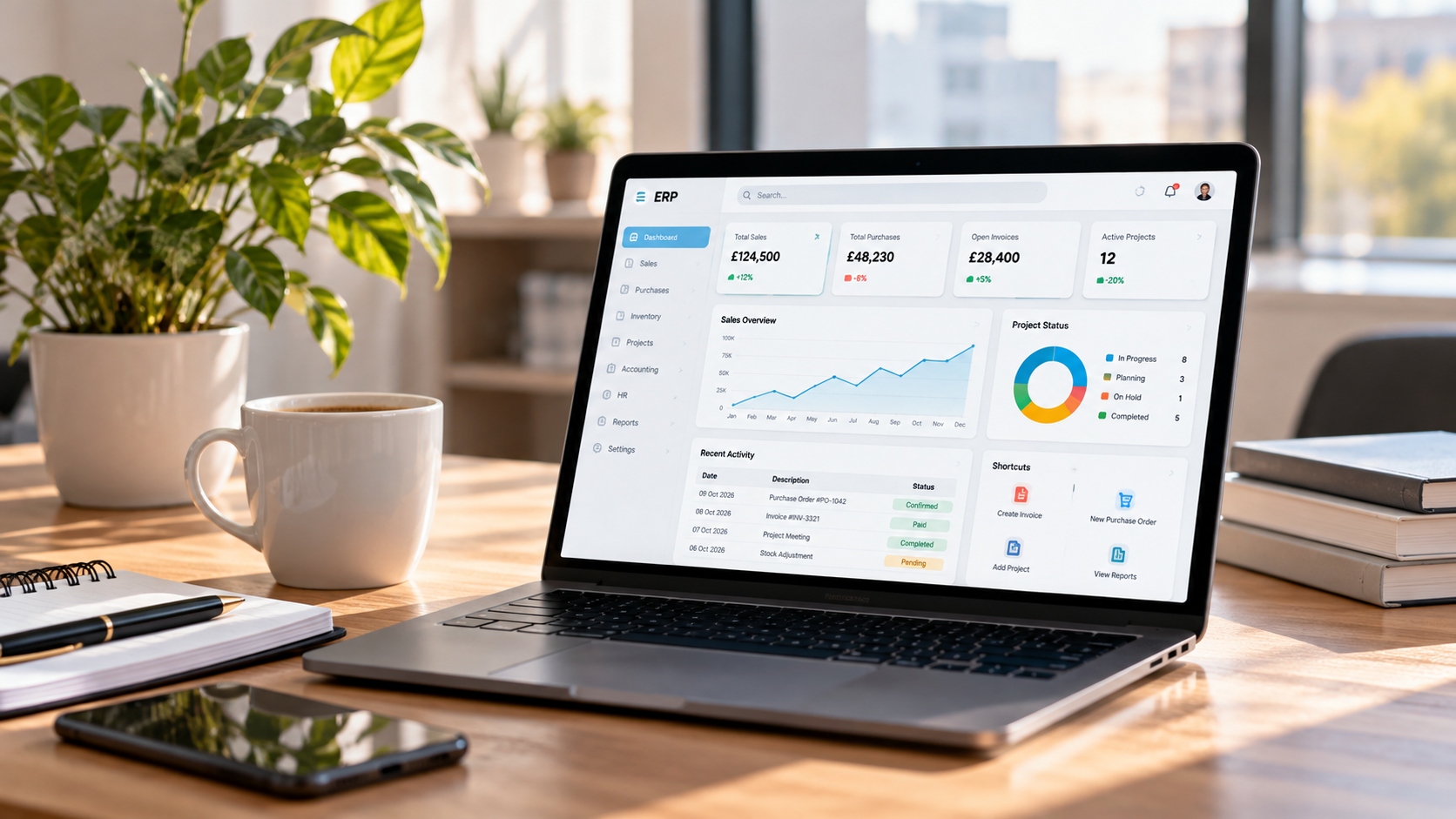
Construction businesses manage projects where budgets, purchasing, subcontractors, materials and deadlines are closely connected. When information is spread across spreadsheets, accounting applications and separate project management tools, maintaining a clear picture of operations can become difficult.
Construction ERP software helps bring relevant business processes into a more connected environment.
However, choosing a construction ERP system involves more than selecting a platform with a long list of features. Businesses need to understand their operational requirements, existing software and the practical work involved in implementation.
This guide explains how construction ERP works, which capabilities matter and what UK construction businesses should consider before making a decision.
What Is Construction ERP Software?
Construction Enterprise Resource Planning (ERP) software is a business management system designed or configured to support processes commonly found in construction organisations.
These may include:
Project budgets and financial management
Purchasing and supplier management
Materials and inventory
Subcontractor-related administration
Customer invoicing and payments
Resource planning
Operational reporting
Unlike a standalone application focused on one department, an ERP can connect information across several business functions.
For example, purchasing decisions can affect project expenditure, supplier commitments and financial reporting. A connected system can help teams understand those relationships without repeatedly transferring information between applications.
The exact capabilities depend on the ERP platform and its configuration.
Why Do Construction Businesses Consider ERP Systems?
Construction projects often involve multiple teams, suppliers and operational activities.
A business might use one application for accounting, another for project planning and several spreadsheets to track purchasing or costs.
This approach can work initially, but disconnected information may create difficulties as projects become more complex.
Limited Visibility of Project Costs
Project managers need to understand how actual expenditure compares with planned budgets.
If purchasing, expenses and financial information are recorded separately, obtaining a reliable cost picture may require substantial manual work.
Repeated Data Entry
The same supplier, purchase or project information may be entered into several systems.
This can increase administrative effort and create inconsistencies.
Disconnected Purchasing and Finance
A purchase order may be created by an operational team, while the related supplier invoice is processed separately by finance.
Without suitable connections, matching commitments, deliveries and invoices can become more difficult.
Inconsistent Reporting
Management teams may need to combine information from several sources before evaluating project performance.
An appropriately configured ERP can help establish more consistent reporting processes.
Key Features to Look for in Construction ERP Software
Not every construction company needs the same system.
The most useful features depend on project types, business size, existing processes and operational complexity.
1. Project Cost Management
Construction businesses need to monitor project expenditure and compare it with approved budgets.
Relevant capabilities may include tracking costs against projects, identifying expenditure categories and reporting on financial performance.
A system should reflect how the organisation defines projects, cost codes and financial responsibilities.
2. Purchasing and Supplier Management
Purchasing processes can involve requests, approvals, purchase orders, deliveries and supplier invoices.
Connecting these activities can help teams maintain more consistent information about procurement and financial commitments.
Approval rules should be designed around the organisation's actual purchasing procedures.
3. Materials and Inventory Management
Some construction businesses manage materials across warehouses, sites or other locations.
An ERP may help track receipts, transfers, consumption and stock availability.
However, inventory requirements differ significantly between contractors, manufacturers, distributors and specialist service providers.
4. Finance and Accounting
Financial management is an important part of construction ERP.
Businesses may require general ledger functions, customer invoicing, supplier bills, payments and financial reporting.
Project-related accounting requirements should be reviewed carefully before selecting or configuring a platform.
5. Resource and Operational Planning
Depending on the organisation, project delivery may require coordination of employees, equipment, subcontractors and other resources.
Some capabilities may be available within the ERP itself, while others may require integration with specialist construction applications.
6. Reporting and Dashboards
Management teams may want visibility into purchasing, outstanding invoices, project costs and operational performance.
Dashboards are useful only when the underlying information is reliable.
Data quality, reporting definitions and access permissions are therefore essential.
Construction ERP vs Project Management Software
Construction project management software and ERP systems serve related but different purposes.
Project management tools often focus on planning, scheduling, tasks, documents and project collaboration.
ERP systems generally focus on connecting wider business operations, including finance, purchasing, inventory and other administrative processes.
Some platforms provide both types of functionality.
Others require integration between an ERP and specialist project management software.
The right approach depends on which systems the business already uses and which processes need to communicate.
Can Construction ERP Integrate With Existing Software?
Yes, where suitable technical capabilities are available.
A construction company may already use specialist tools for project scheduling, estimating, document management, accounting or field operations.
Replacing every application may not be necessary or desirable.
Instead, the business can evaluate which systems should remain in place and what information needs to move between them.
Integration may involve APIs, scheduled synchronisation or other appropriate methods.
Before developing integrations, teams should clarify:
Which system owns each type of data
Which information needs to be exchanged
How frequently updates are required
How errors and duplicate records will be handled
Who can access or modify the information
A well-defined integration approach can reduce unnecessary manual transfers and improve information consistency.
How Much Does Construction ERP Software Cost?
There is no universal construction ERP price.
Costs depend on the selected platform, number of users, required functionality, deployment approach and implementation complexity.
A construction ERP budget may include software licences or subscriptions, hosting, business analysis, configuration, customisation, data migration, integration, testing, training and ongoing support.
For example, a company implementing standard purchasing and accounting processes may have different requirements from one managing complex project costing and multiple specialist integrations.
Businesses should compare the total cost of ownership rather than looking only at software subscription fees.
Can Odoo or ERPNext Be Used for Construction Businesses?
Odoo and ERPNext are configurable ERP platforms that businesses may consider when evaluating connected operational systems.
They offer capabilities across areas such as purchasing, finance, inventory and other business processes.
However, construction-specific requirements vary.
A business may need specialised project costing, subcontractor workflows, site operations or integrations with construction applications.
These requirements should be assessed against the relevant platform's actual functionality before selecting a solution.
Some needs may be addressed through configuration. Others may require custom development or integration.
NaviTrends supports organisations exploring Odoo implementation and customisation and ERPNext implementation and customisation, with the approach determined by operational requirements.
How to Choose a Construction ERP System
Start With Existing Business Processes
Document how projects, purchasing, finance, inventory and reporting currently work.
Identify where information is duplicated, delayed or difficult to reconcile.
Define Essential Requirements
Separate essential capabilities from optional improvements.
A clear requirements list makes software evaluation more practical.
Review Existing Applications
Determine which applications should remain in use and which could reasonably be replaced.
Identify integration requirements early.
Assess Configuration and Customisation
Before commissioning custom features, establish whether the required process can be supported through standard functionality or configuration.
Unnecessary customisation can increase cost and maintenance complexity.
Plan Data Migration
Existing supplier, customer, project and financial records may require cleaning and validation.
Migration should be tested before operational use.
Involve Operational and Finance Teams
An ERP affects more than the IT department.
Project managers, purchasing teams, finance users and operational staff should contribute to requirements, testing and training.
Common Challenges in Construction ERP Implementation
ERP implementation can encounter difficulties when requirements are unclear or business processes are not sufficiently understood.
Typical challenges include inconsistent historical data, complex project structures, unclear approval responsibilities, difficult integrations and limited user training.
A phased approach may help businesses manage implementation scope.
However, the sequence should reflect operational dependencies rather than assuming every module can be introduced independently.
Testing with realistic project and financial scenarios is particularly important.
Frequently Asked Questions About Construction ERP
What does ERP mean in construction?
ERP stands for Enterprise Resource Planning. In construction, it refers to software used to connect business processes such as project costs, purchasing, finance and operational management.
Is construction ERP suitable for small businesses?
It can be, but not every small construction business needs a full ERP system. The decision depends on operational complexity, existing software and the value of connecting business processes.
Does construction ERP replace project management software?
Not necessarily. Some ERP platforms include project management capabilities, while others integrate with specialist construction tools.
Can construction ERP track project costs?
Many ERP systems can support project-related financial tracking, depending on the platform and configuration. Detailed costing requirements should be verified before implementation.
How long does construction ERP implementation take?
There is no universal timeline. Implementation duration depends on requirements, data quality, customisation, integrations, testing and organisational readiness.
Can construction ERP connect with accounting software?
Potentially, yes. Integration depends on the accounting application, available APIs, data structures and business requirements.
Planning a Construction ERP Project With NaviTrends
Choosing construction ERP software starts with understanding how the business operates.
At NaviTrends, we help organisations analyse operational processes, implement and customise ERP solutions, connect existing applications and automate suitable workflows.
Whether your business is evaluating a new ERP system or looking to improve connections between existing tools, a structured assessment can help define the appropriate scope.
Explore our Odoo implementation and customisation services and ERPNext implementation and customisation services, or contact NaviTrends to discuss your requirements.